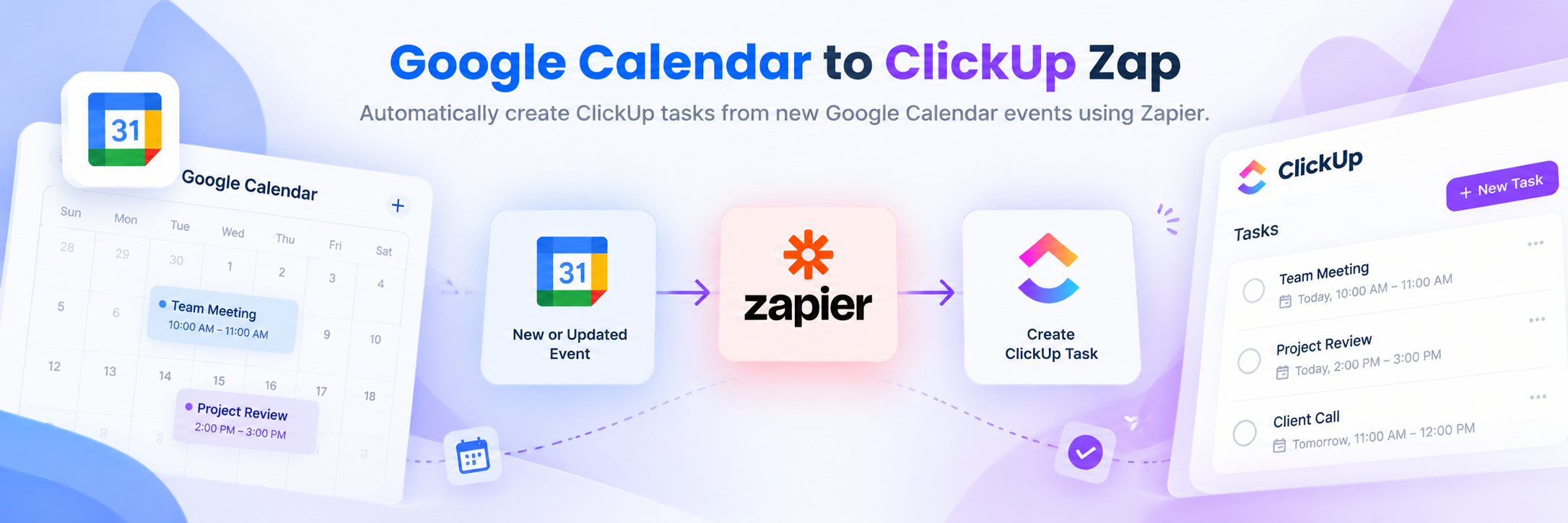
This Zap facilitates seamless integration between Google Calendar and ClickUp, enhancing task management and operational efficiency.
Zapier Automations
Works with
Zapier
Google Calendar
ClickUp
Project Overview
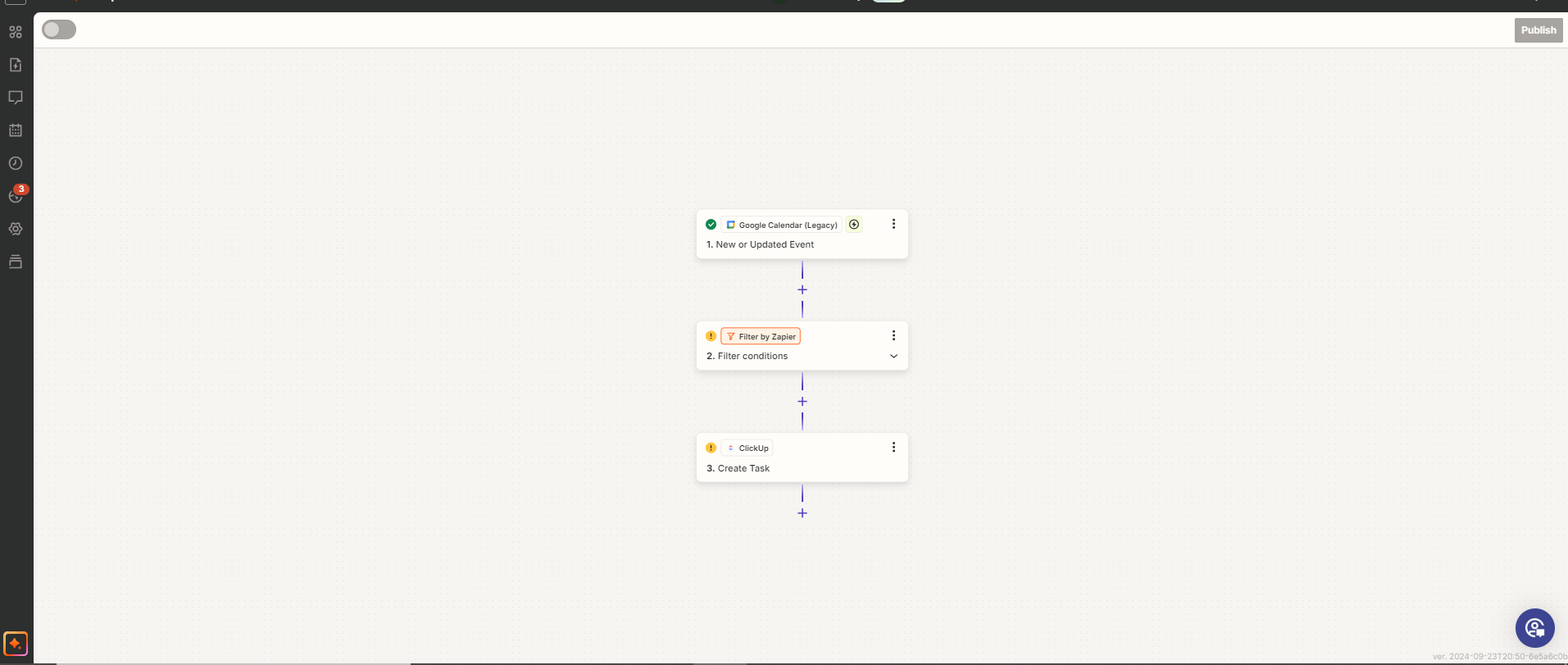
This Zap connects Google Calendar with ClickUp. Whenever a new event is created in Google Calendar, the automation creates a corresponding task in ClickUp and transfers relevant event details, including the date, time, and description.
The Zap also assigns tasks to specific individuals to support task allocation and coordination.
Tools: Zapier, Google Calendar, ClickUp.
01. How It Works
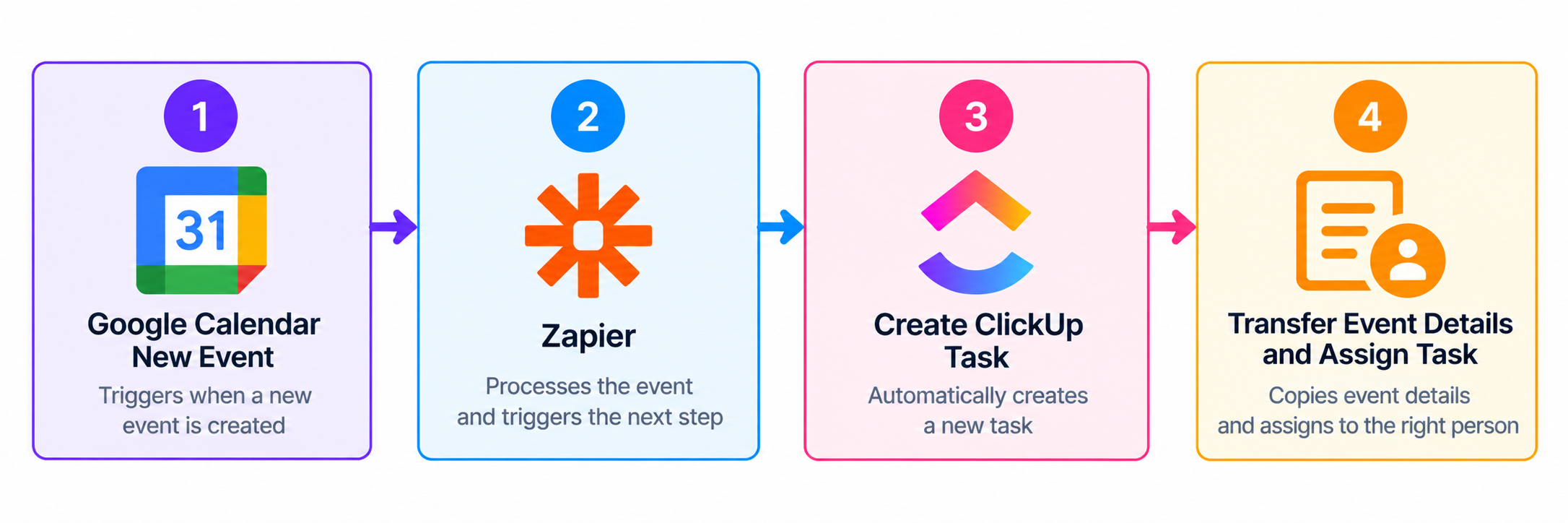
New Calendar Event: A new event is created in Google Calendar.
Create ClickUp Task: Zapier automatically creates a corresponding task in ClickUp.
Transfer Event Details: The task includes the event date, time, and description.
Assign Task: The task is assigned to the specified individual.
02. Key Benefits
Automated task creation: Converts new calendar events into ClickUp tasks.
Information transfer: Carries relevant event details into ClickUp.
Task assignment: Assigns tasks to specific individuals.
Improved coordination: Connects calendar events with task management.
03. Workflow Overview
Final Outcome
The Zap integrates Google Calendar with ClickUp to automate task creation from new calendar events, transfer relevant event information, and assign tasks to the appropriate individuals.
 Zapier Automations