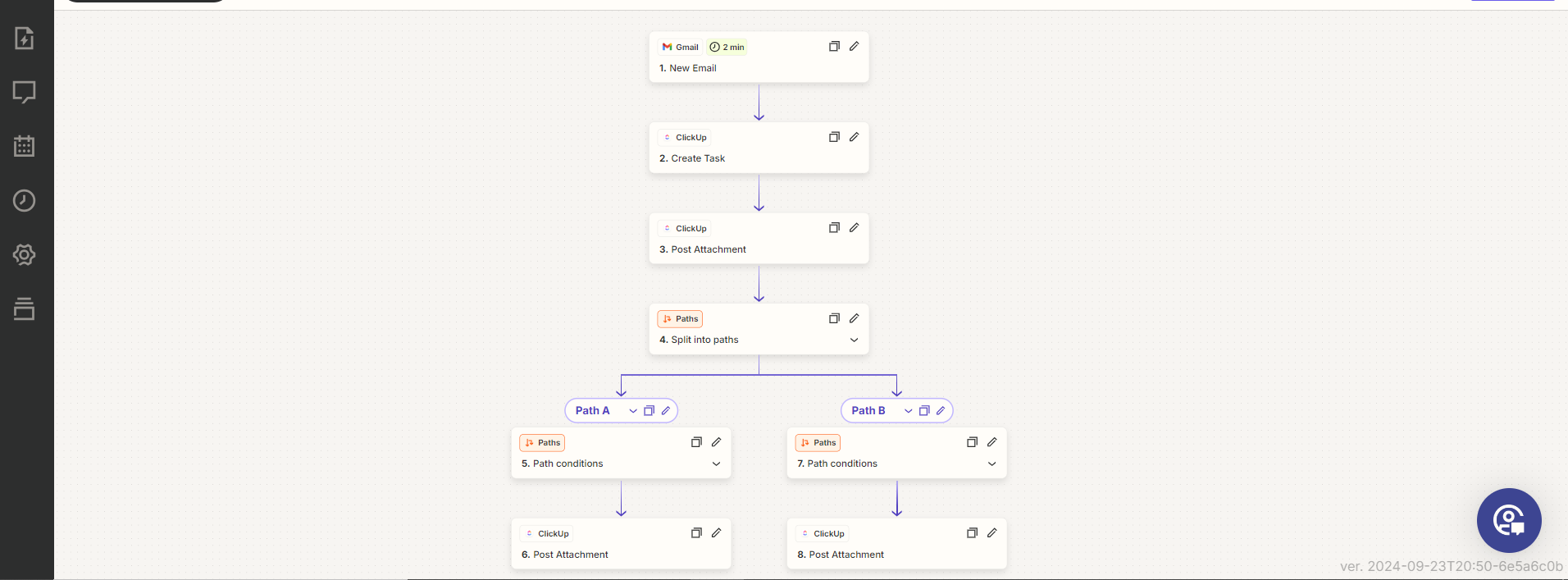
This Zap automates the process of task creation in ClickUp based on incoming emails from a specified sender in Gmail.
Zapier Automations
Works with
Zapier
Gmail
ClickUp
Project Overview
This Zap connects Gmail with ClickUp to automate task creation from emails received from a specified sender. When a matching email arrives, the automation creates a new task in ClickUp and uploads any email attachments to that task.
Tools: Zapier, Gmail, ClickUp.
01. How It Works
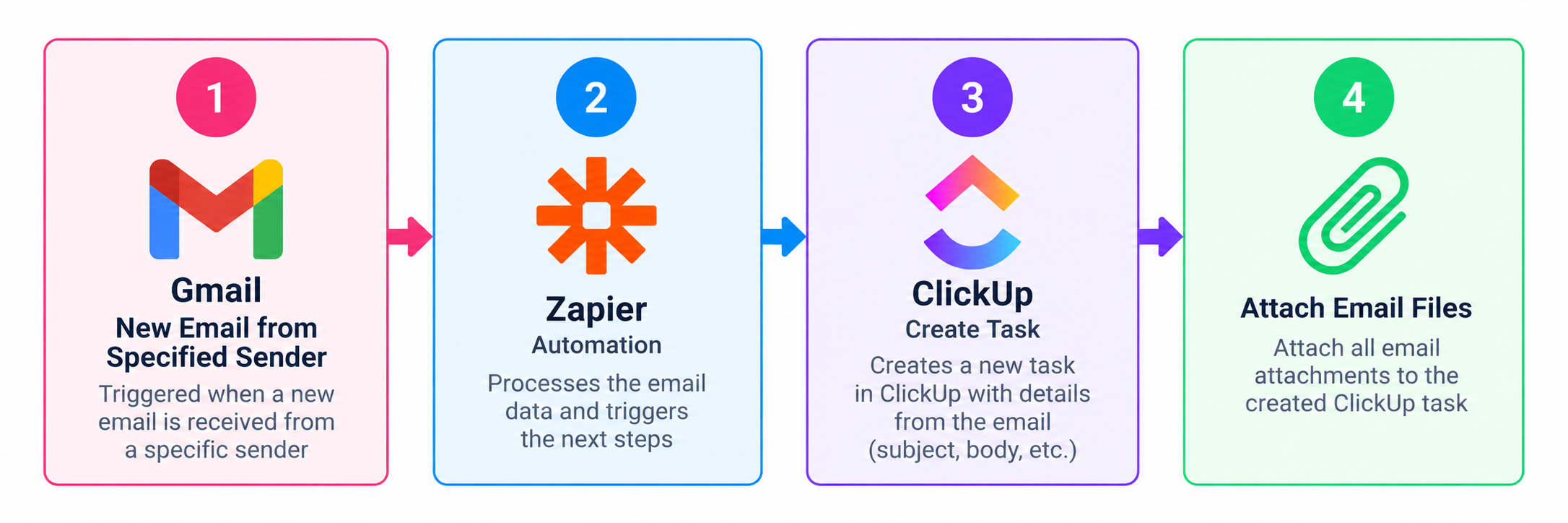
Incoming Email: Gmail receives an email from the designated sender.
Create Task: Zapier automatically creates a new task in ClickUp based on the email.
Upload Attachments: Any attachments included in the email are uploaded and attached to the newly created task.
Zapier Automation
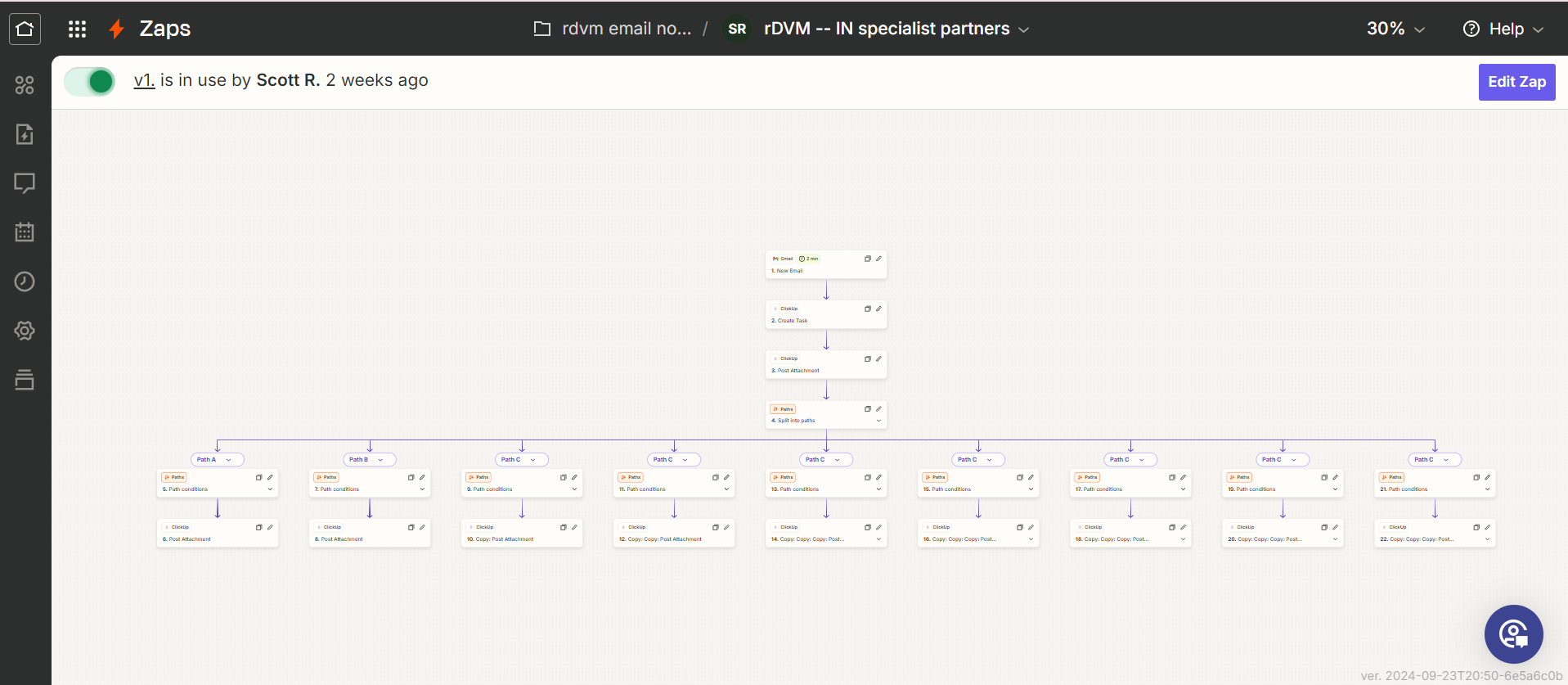
02. Workflow Overview
03. Key Benefits
Automated task creation: Converts matching incoming emails into ClickUp tasks.
Attachment handling: Keeps email attachments with the corresponding task.
Centralized information: Consolidates task details and documents in ClickUp.
Final Outcome
The Zap streamlines email-based task creation by connecting Gmail and ClickUp, keeping relevant email information and attachments together in one task.
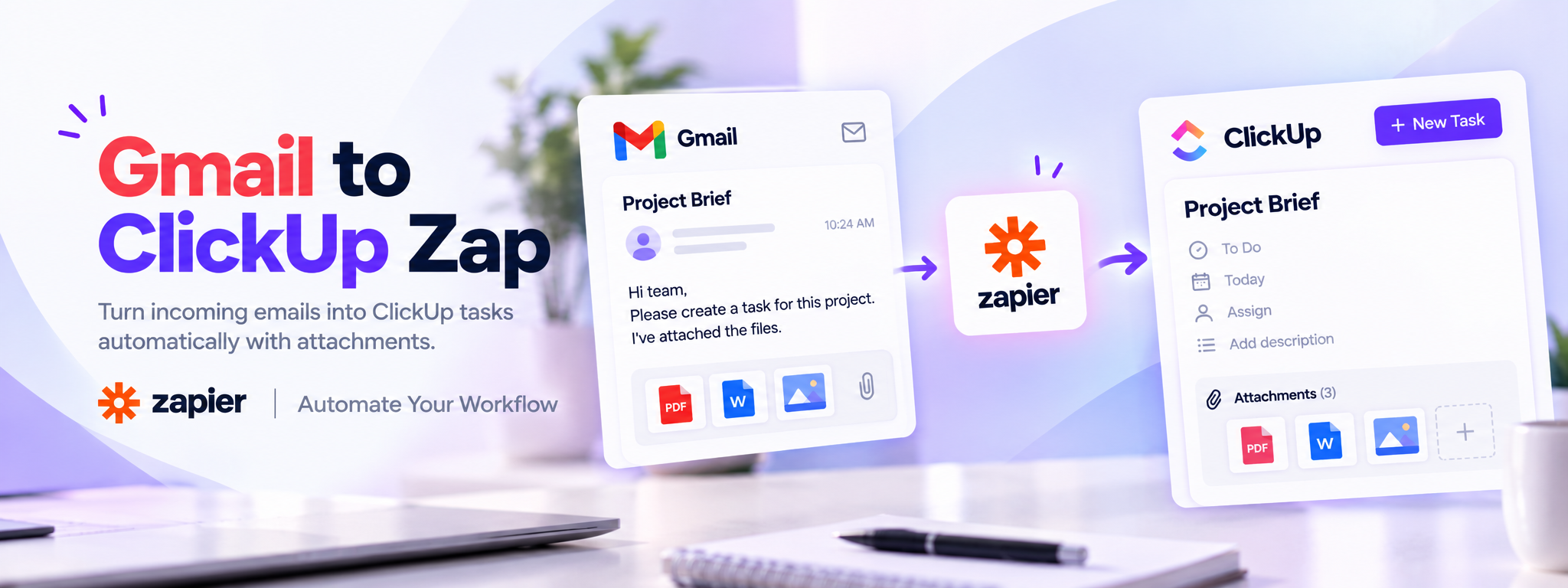
 Zapier Automations