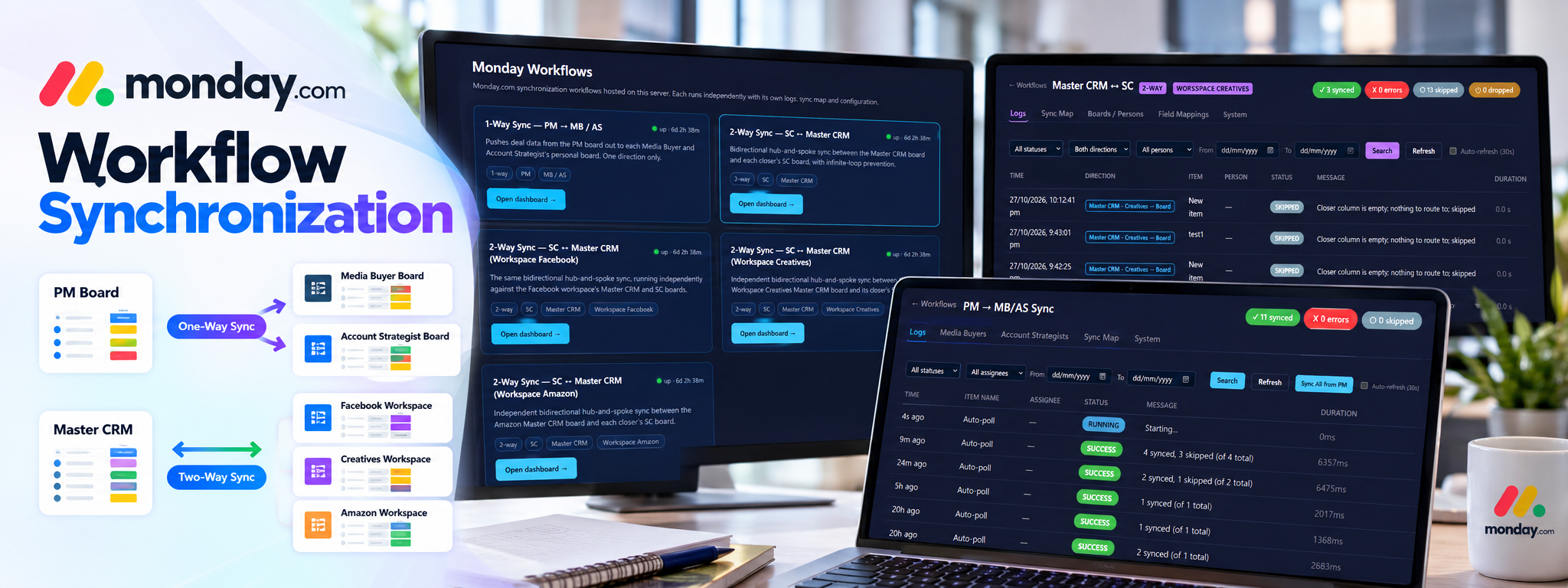
Monday.com Workflow Synchronization
A centralized dashboard for managing one-way and two-way synchronization across Monday.com boards
 Python Automation
- monday.com
- Python
Overview
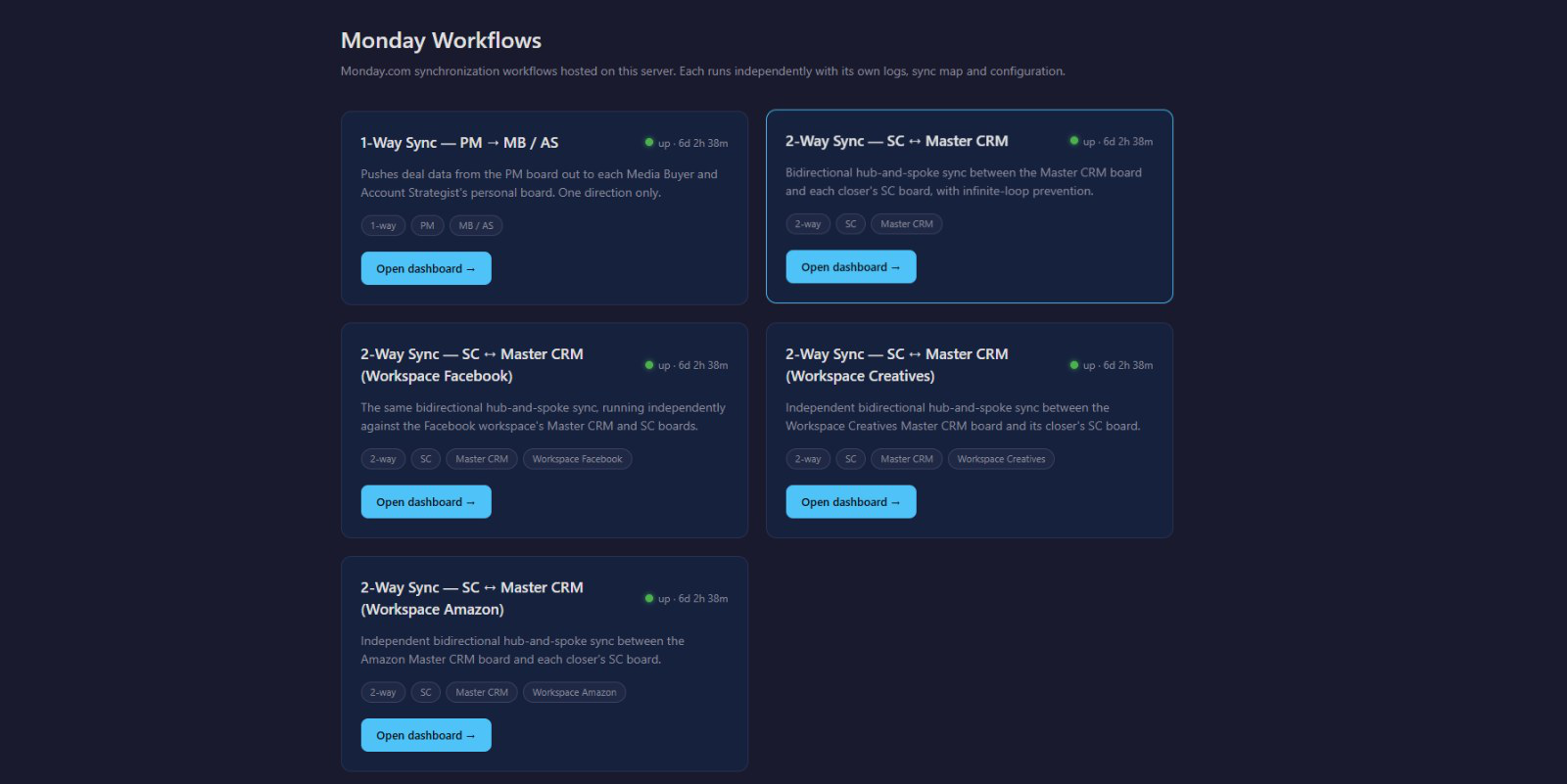
The platform synchronizes project and deal information from the PM board to Media Buyer and Account Strategist boards, while keeping the Master CRM and individual closer boards aligned through separate two-way workflows. Each workflow maintains its own configuration, field mappings, and execution logs.
The Problem
Teams working across multiple Monday.com boards may need to repeat updates manually. This can leave records inconsistent and makes it harder to manage changes from both sides, prevent repeated updates, and identify synchronization errors or skipped records.
How It Works
- Identify records: The workflow checks configured Monday.com boards through automatic polling or a supported manual run.
- Match destination items: Board relationships, role mappings, and linked item identifiers are used to find the corresponding record.
- Apply field mappings: Configured rules determine which fields are synchronized and in which direction.
- Create or update records: Missing items are created where configured; existing matching items are updated.
- Apply safeguards: Two-way workflows use conflict policies and loop-prevention rules to avoid repeatedly processing their own updates.
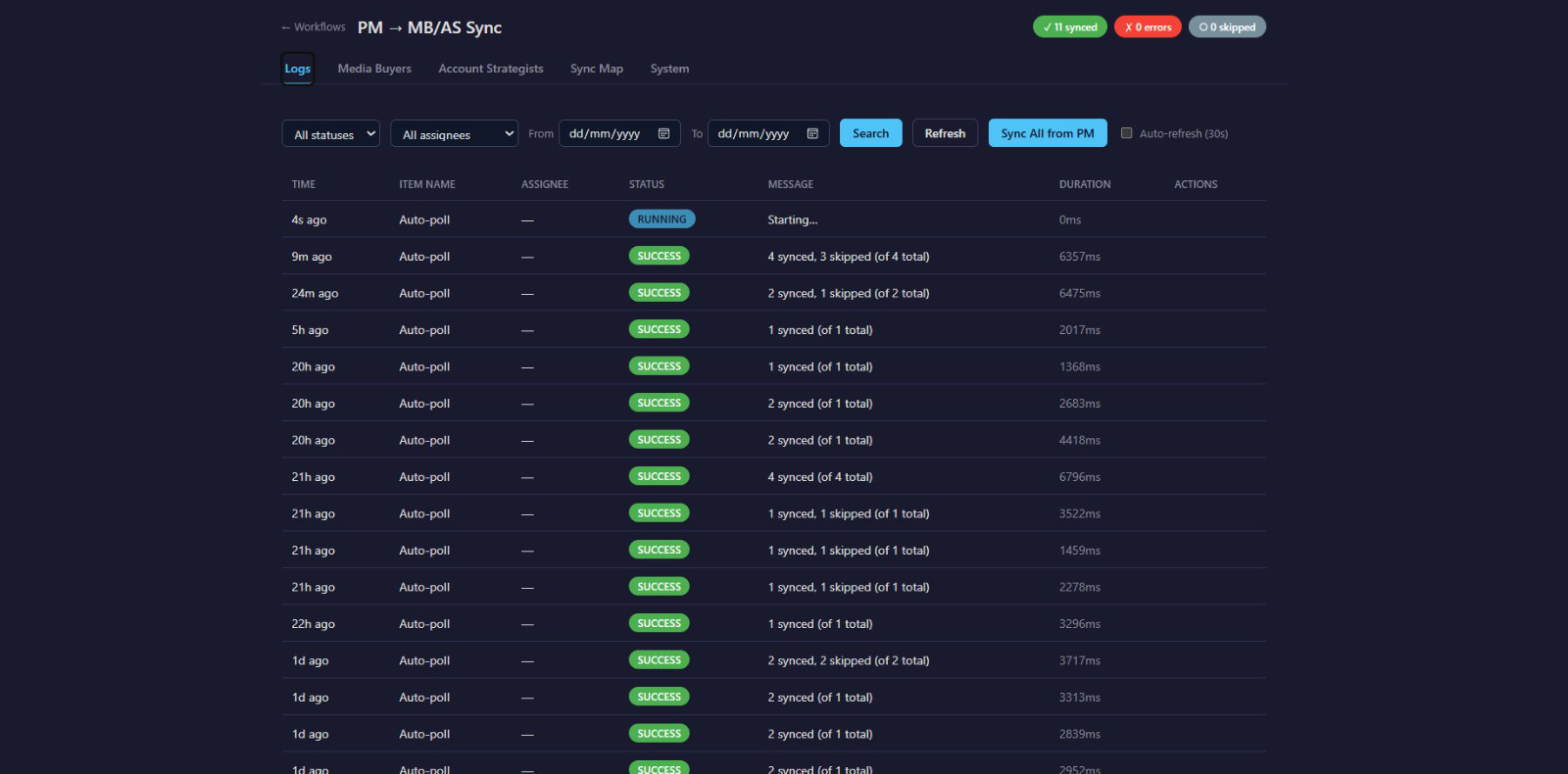
- Record the outcome: Each workflow logs successful updates, skipped records, errors, and execution detail.
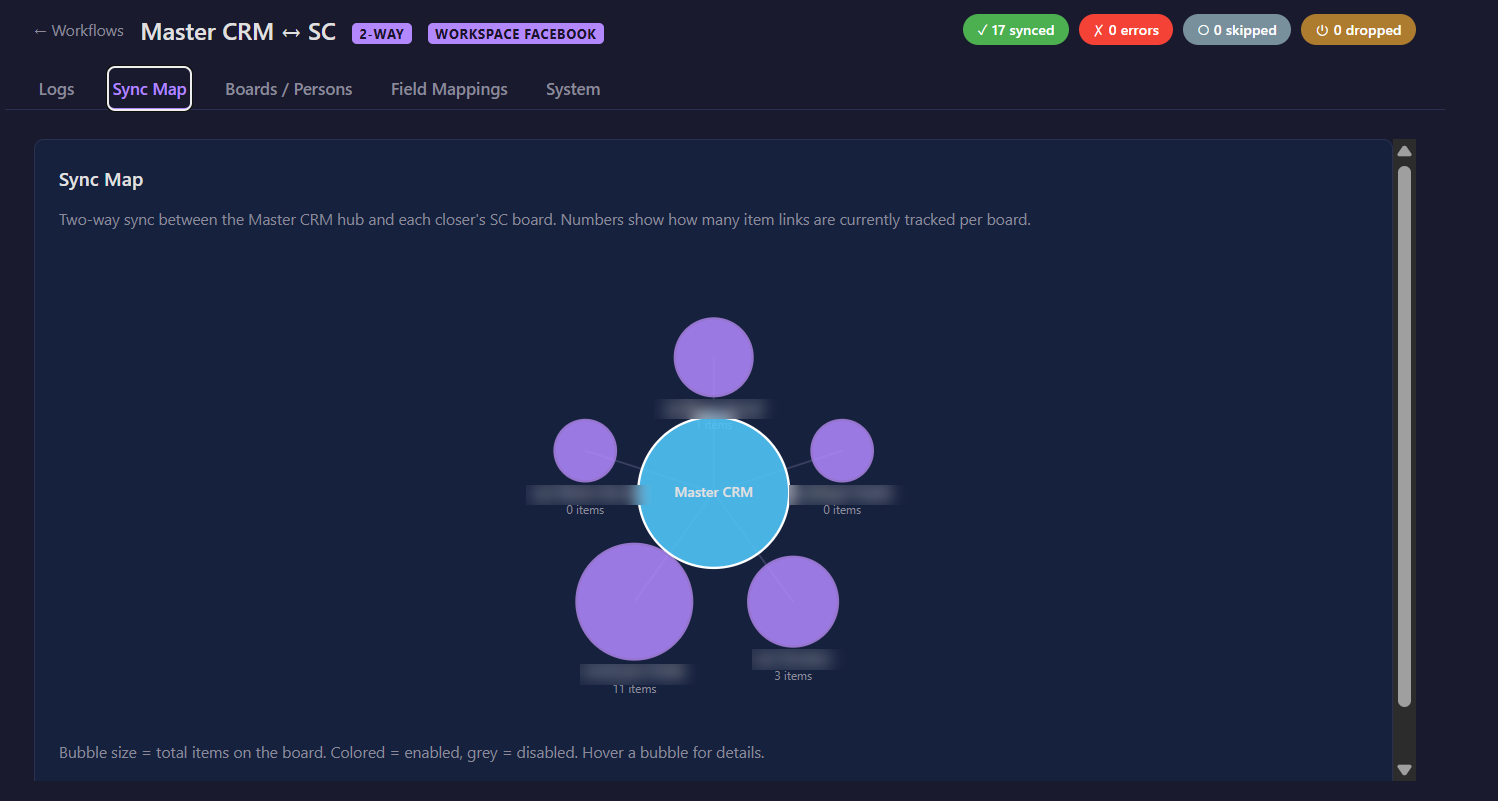
The Result
The platform brings multiple board synchronization workflows into one dashboard. Teams can keep configured records aligned, manage one-way and two-way updates separately, and review execution logs to understand what was synchronized, skipped, or unsuccessful.
Results & Performance Metrics
| Metric | Observed Result |
|---|---|
| Records synchronized | 295 |
| Errors encountered | 4 |
| Records skipped | 2 |
| Records dropped | 0 |
| Monitoring availability | 24/7 |
| Synchronization interval | 18 seconds |
Tech Stack
- Python: Core application and synchronization logic.
- Flask: Web application and dashboard backend.
- SQLite: Stores synchronization state and execution records.
- Monday.com API / Monday SDK: Accesses board data and applies updates.
- HTML, CSS and JavaScript: Provide the dashboard interface and frontend interactions.
Where This Pattern Applies
This solution helps businesses keep information consistent across multiple Monday.com boards and teams.
The same approach can be used in:
- Sales & CRM: Synchronize client records, deals, and ownership.
- Project Management: Keep project details, deadlines, and statuses aligned.
- Media Buying: Share campaign and client information across teams.
- Account Management: Maintain consistent client records and responsibilities.
- Marketing: Coordinate campaigns and team activities.
- Business Operations: Synchronize operational records across departments.
The underlying pattern remains the same: identify matching records, apply configured field mappings, create or update items, handle conflicting changes, and log synchronization results.