Integration of Shopify and ClickUp for Managing Refunded Orders
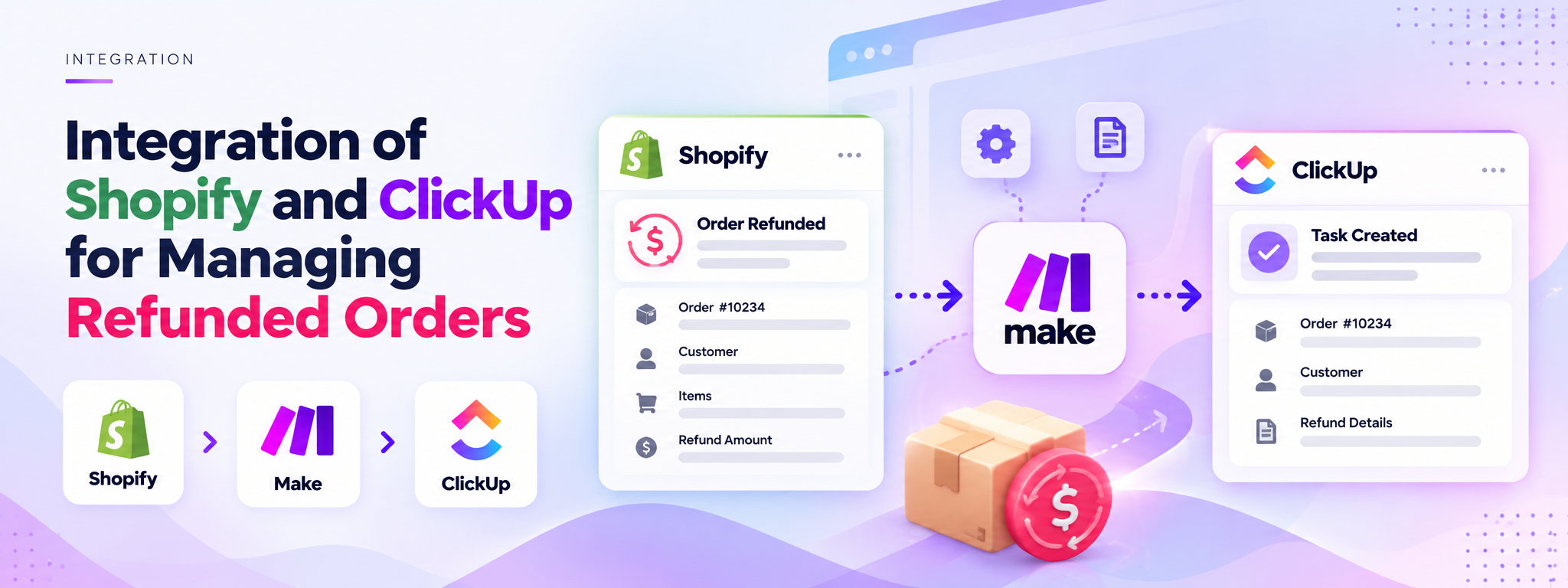
This scenario is built so that whenever there is a refunded order in Shopify, the order details are added to ClickUp as tasks.
 Make Automations
- Make
- Shopify
- ClickUp
Project Overview
This Make automation connects Shopify with ClickUp to help manage refunded orders. When an order is refunded in Shopify, the scenario retrieves the order details and uses them in the ClickUp task-management workflow.
The integration brings refunded-order information into ClickUp, making it easier for the team to manage refund-related tasks in one place.
The Business Need
Refunded orders need to be identified and their details made available for follow-up. Without an automated connection between Shopify and ClickUp, the team may need to transfer order information manually when managing refunded orders.
The Solution
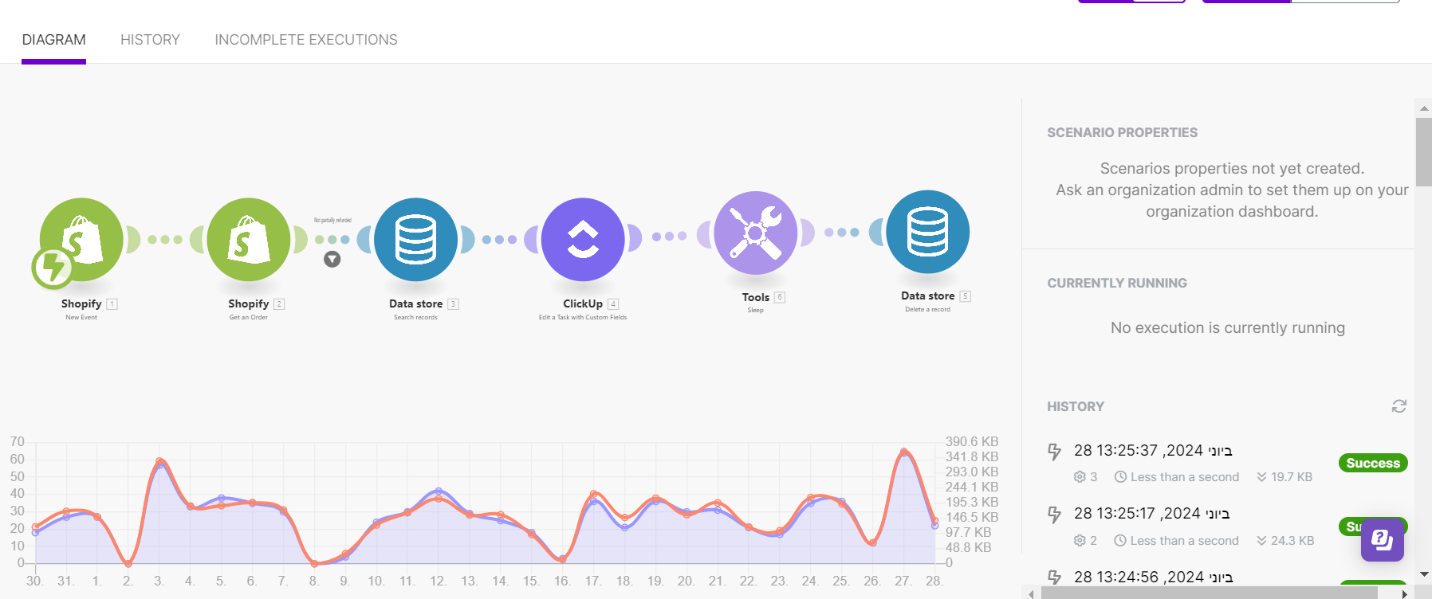
The Make scenario connects Shopify and ClickUp through an automated workflow.
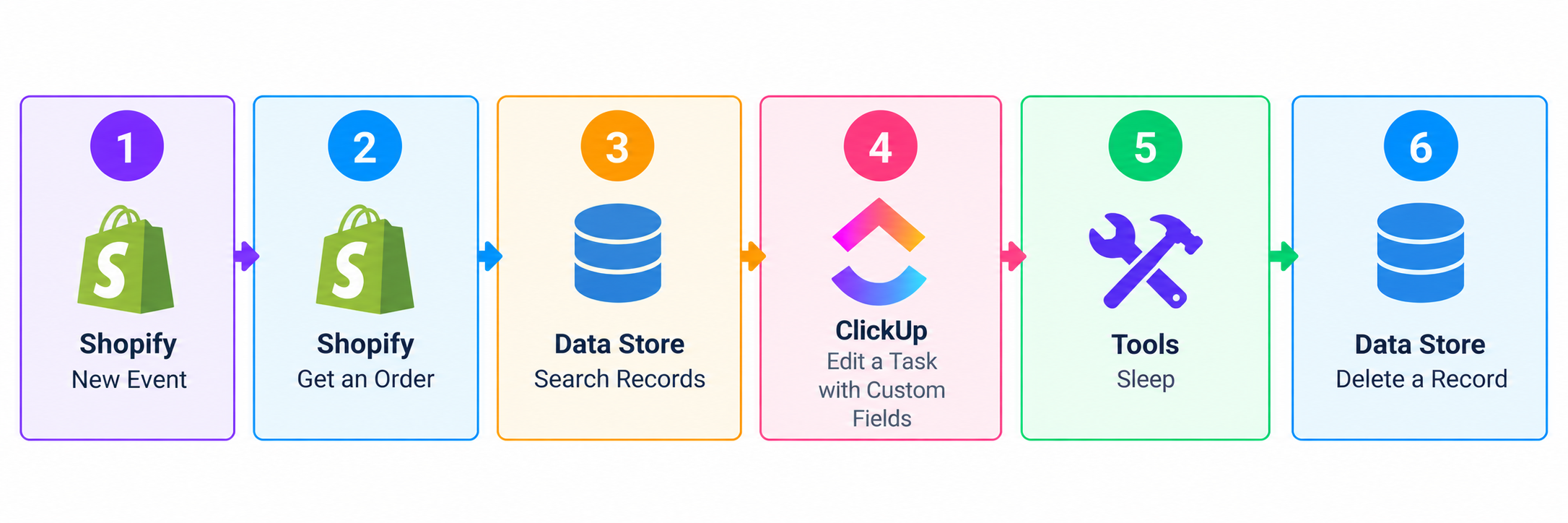
- Shopify trigger: Starts the scenario when a new event is detected.
- Get an order: Retrieves the relevant order details from Shopify.
- Data Store: Searches for a matching record as part of the workflow.
- ClickUp: Updates a task with custom fields using the available information.
- Tools: Includes a sleep step before the final Data Store action.
- Data Store cleanup: Deletes a record at the end of the scenario.
How It Works
1. Shopify Event
The workflow begins with a Shopify event that triggers the scenario.
2. Retrieve Order Information
The Shopify module retrieves the order details needed for the next steps.
3. Search the Data Store
The scenario searches the Data Store for a relevant record before continuing.
4. Update ClickUp
The ClickUp module edits a task using custom fields, connecting the order information with the task-management process.
5. Execute Follow-up Actions
A Tools sleep step runs before the final Data Store module deletes a record.
Workflow Architecture
Tools and Integrations
- Make: Connects the applications and runs the scenario.
- Shopify: Provides the order event and order details.
- ClickUp: Manages tasks using custom fields.
- Data Store: Supports record searching and deletion.
Outcome
The scenario connects Shopify order events with ClickUp task updates and Data Store operations. Its purpose is to streamline the handling of refunded-order information by bringing these steps into one automated workflow.