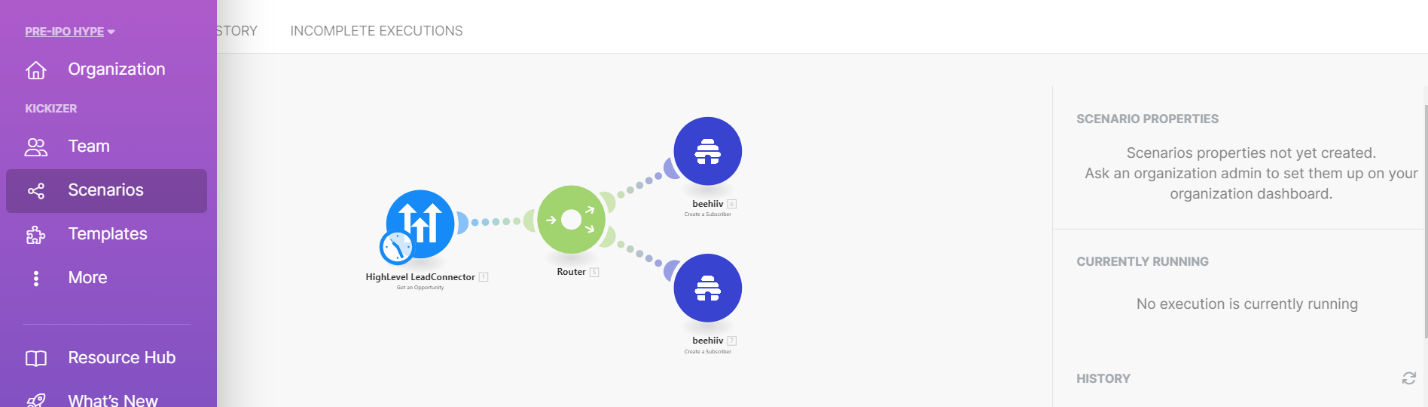
This scenario is implemented so that whenever the status of an opportunity is changed in Go High Level, the associated email is added to Beehiv as a subscriber.
Make Automations
Works with
Make
GoHighLevel
Beehiiv
Project Overview
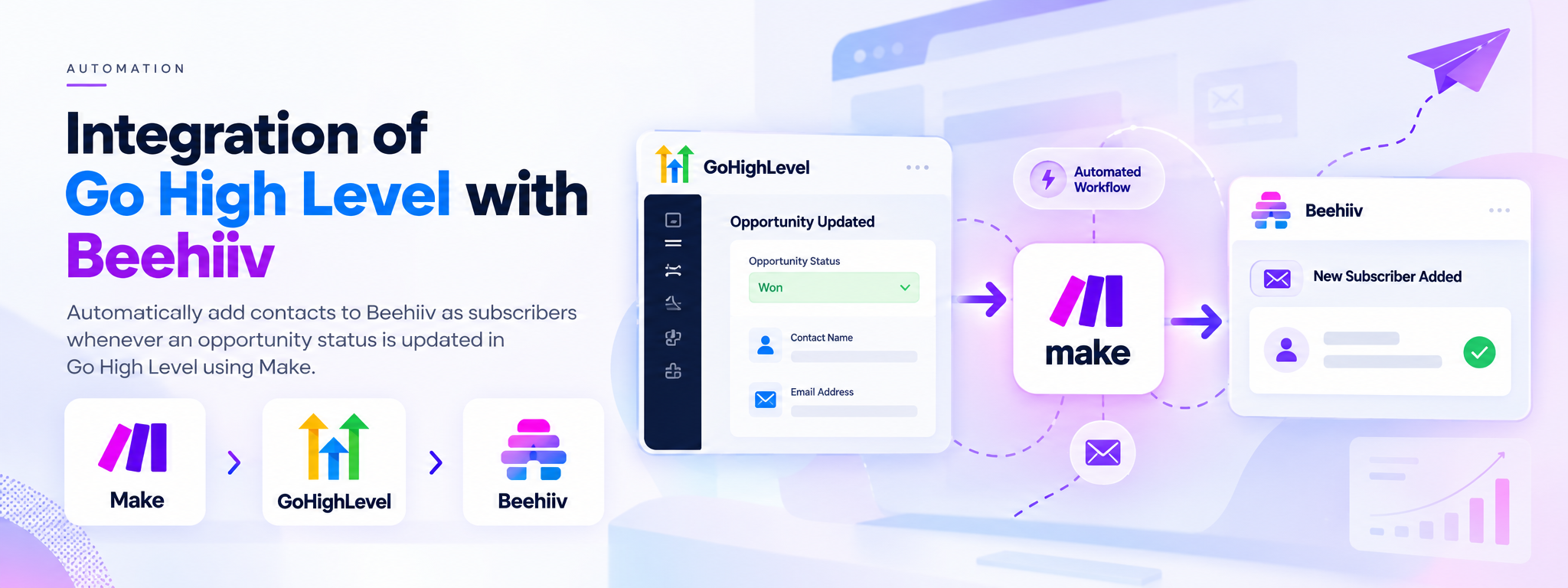
This automation connects GoHighLevel and Beehiiv through Make. When an opportunity’s status changes in GoHighLevel, the associated email address is sent to Beehiiv and added as a subscriber.
The Solution
The Make scenario automates the transfer of contact email information between GoHighLevel and Beehiiv when an opportunity status changes.
How It Works
Opportunity Status Changes: The scenario responds when an opportunity’s status is changed in GoHighLevel.
Process the Contact Information: Make handles the information associated with the opportunity.
Add the Subscriber to Beehiiv: The associated email address is added to Beehiiv as a subscriber.
Screenshot of working automation from make.com
Platforms Used
Make: Connects the two platforms and runs the automation.
GoHighLevel: Provides the opportunity status change that triggers the scenario.
Beehiiv: Receives the associated email address as a subscriber.
Outcome
The integration automates adding email addresses to Beehiiv following opportunity status changes in GoHighLevel, reducing the need to transfer subscriber information manually
 Make Automations