Automation of ClickUp and Google Sheets
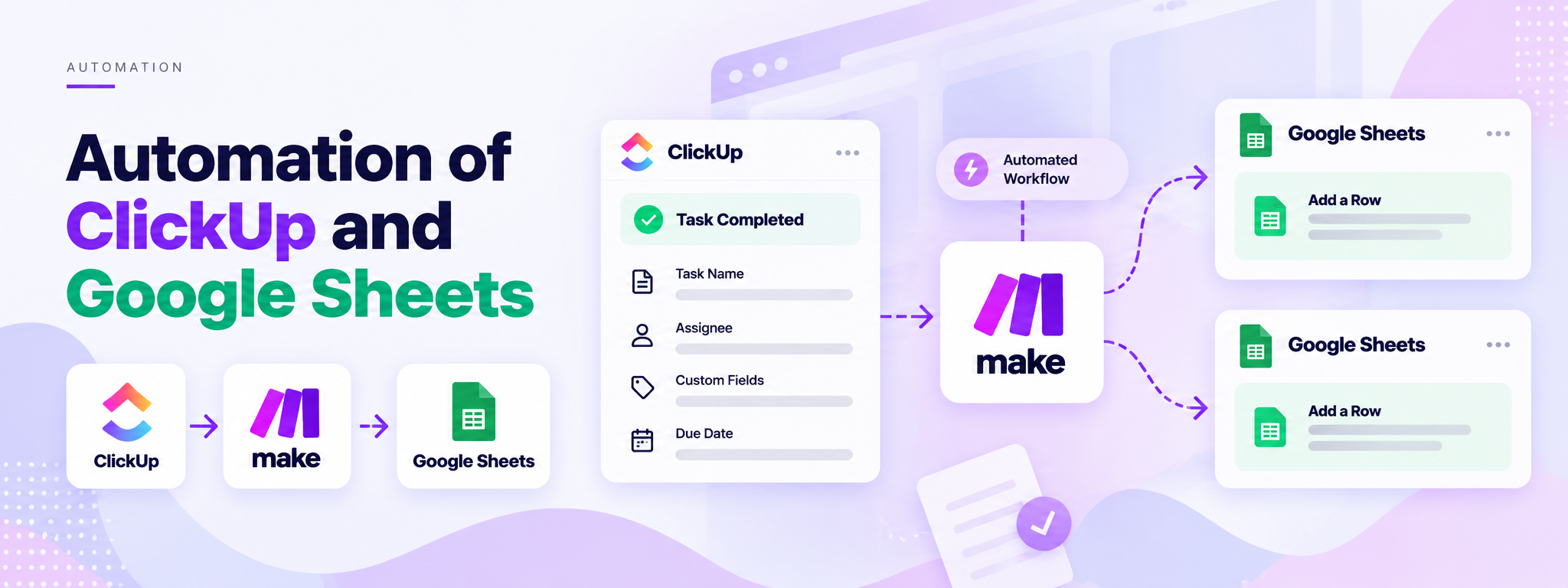
This Make scenario is implemented whenever a task gets completed in ClickUp.
 Make Automations
- Make
- ClickUp
- Google Sheets
Project Overview
This Make automation connects ClickUp with Google Sheets to transfer completed task details into the appropriate spreadsheet. When a task is completed in ClickUp, the scenario processes its information and uses custom fields to determine which Google Sheets file should receive the data.
The Business Need
Task information needs to be recorded in the relevant Google Sheets file when work is completed in ClickUp. This scenario automates that transfer and routes the data according to the task's custom fields.
The Solution
The Make scenario uses a custom webhook, variable configuration, and a router to direct information into Google Sheets.
- Webhooks: Receives data through a custom webhook.
- Tools: Sets multiple variables used during processing.
- Router: Splits the workflow into two branches.
- Google Sheets: Each branch adds a row to a spreadsheet.
How It Works
1. Receive the Webhook
The workflow starts when the custom webhook receives the task information.
2. Set Variables
The Tools module sets multiple variables that are used in the subsequent workflow steps.
3. Route the Data
The Router divides the workflow into two branches. The routing logic uses the task's custom fields to determine the appropriate destination.
4. Add a Row to Google Sheets
Each branch connects to a Google Sheets module configured to add a row to its respective spreadsheet.
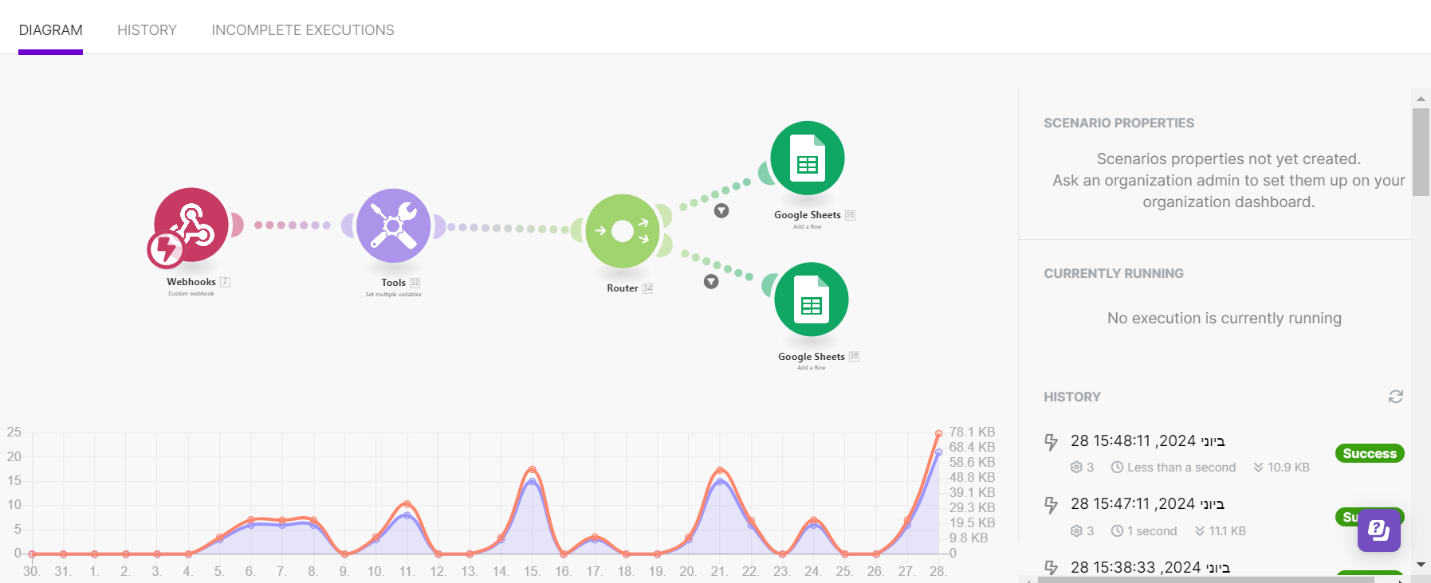
Workflow Architecture
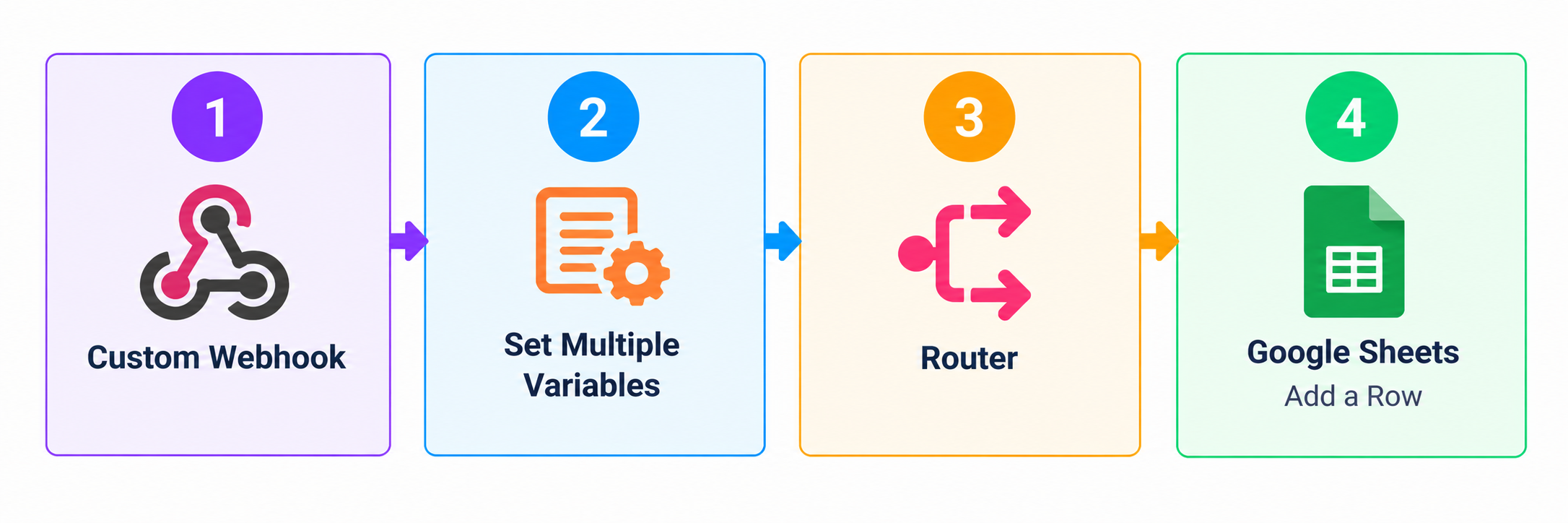
The router splits the workflow into two Google Sheets branches, allowing data to be directed to the relevant destination.
Tools and Integrations
- Make: Connects the workflow modules and manages routing.
- ClickUp: Provides the completed task information.
- Google Sheets: Receives task details as new spreadsheet rows.
Outcome
The scenario automates the transfer of completed task information into Google Sheets and routes the data according to custom fields, reducing the need to enter the same information manually.