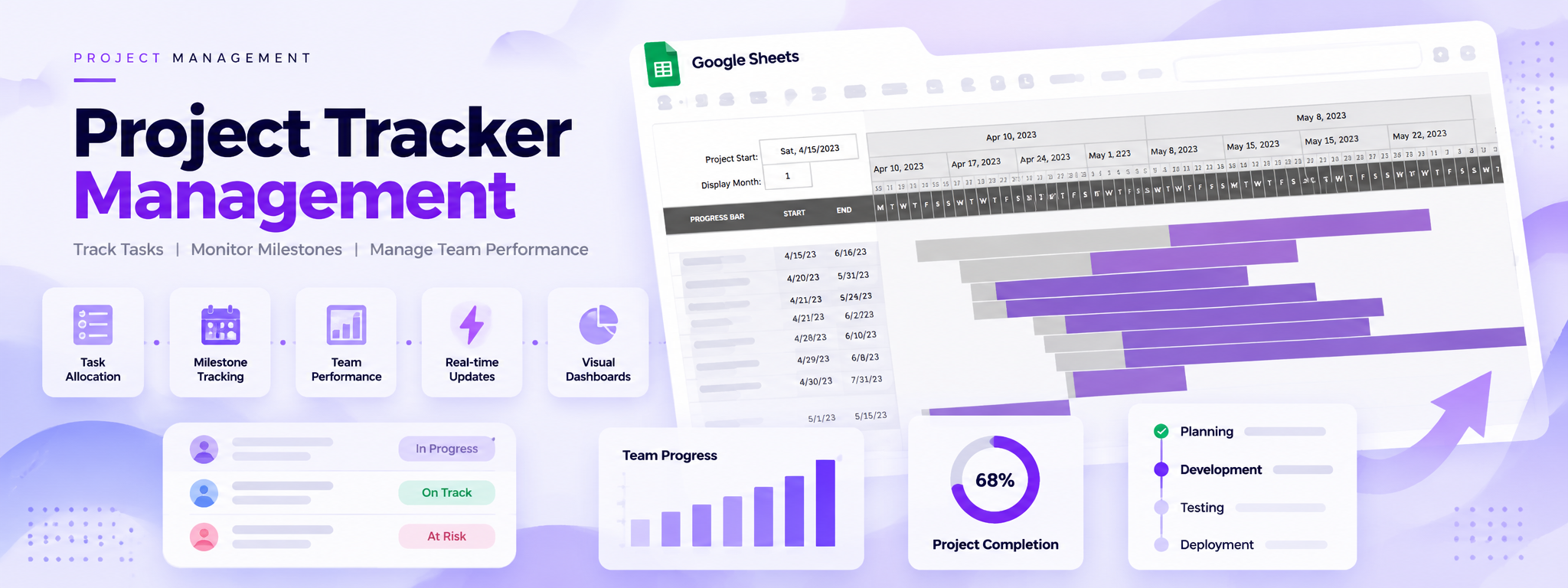
Project Tracker Management
Worked on developing a Project Tracker in Google Sheets to allocate tasks, track project milestones, and monitor team performance, complete with real-time updates and visual dashboards for easy interpretation.
 Google Apps Script
- Google Apps Script
- Google Sheets
Project Overview
This project involved developing a Project Tracker in Google Sheets to help manage tasks, monitor project milestones, and track team performance. The tracker includes real-time updates and visual dashboards for easier interpretation of project schedules and progress.
Tools: Google Apps Script and Google Sheets.
01. Project Objectives
The tracker was developed to support three main activities:
- Task Allocation: Organize and allocate project tasks.
- Milestone Tracking: Track project milestones and schedules.
- Team Performance Monitoring: Monitor team performance through the tracker.
02. The Solution
A project tracking system was developed in Google Sheets, with real-time updates and visual dashboards to make project information easier to understand.
03. Project Schedule Visualization
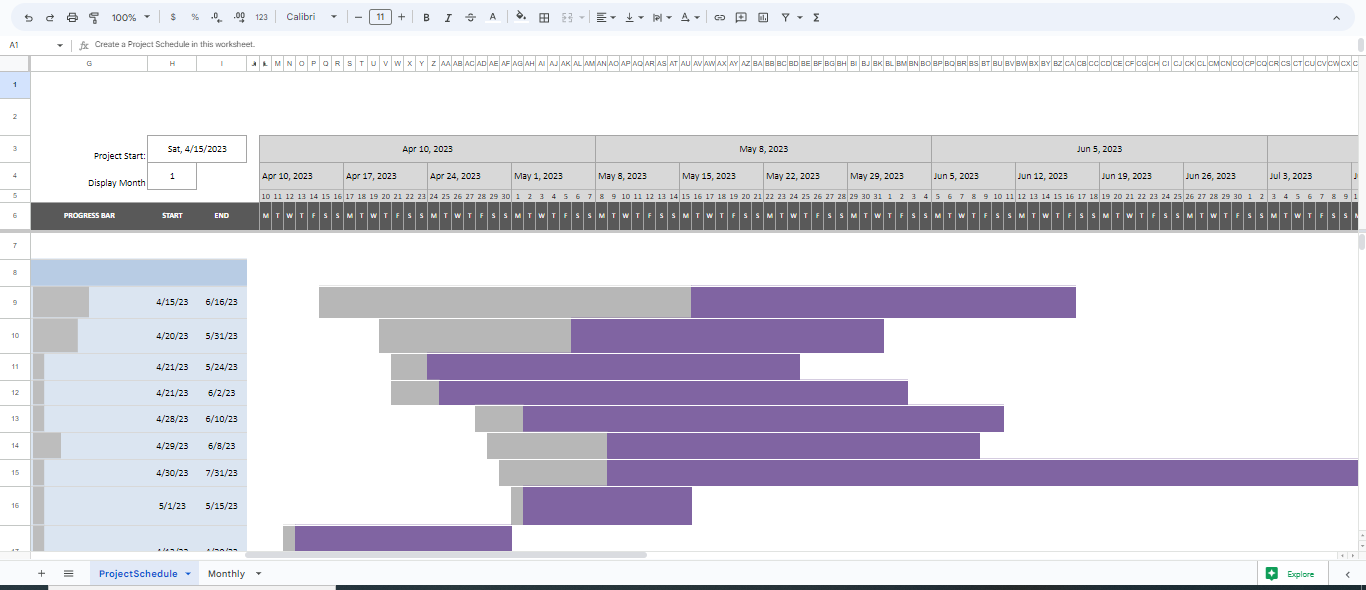
The tracker includes a Gantt-style project schedule generated directly in Google Sheets. The schedule displays task start and end dates across a timeline, making it easier to view project durations and overlapping activities.
04. Key Features
- Task allocation and organization
- Project milestone tracking
- Team performance monitoring
- Real-time updates
- Visual dashboards for interpreting project information
- Gantt-style schedule visualization in Google Sheets
05. Tools and Technologies
- Google Sheets: Provides the project tracking spreadsheet, schedule, and visual dashboard.
- Google Apps Script: Listed as a technology used in the project.
06. Outcome
The Project Tracker provides a centralized way to allocate tasks, track milestones, and monitor team performance through Google Sheets, supported by visual scheduling and dashboard features.