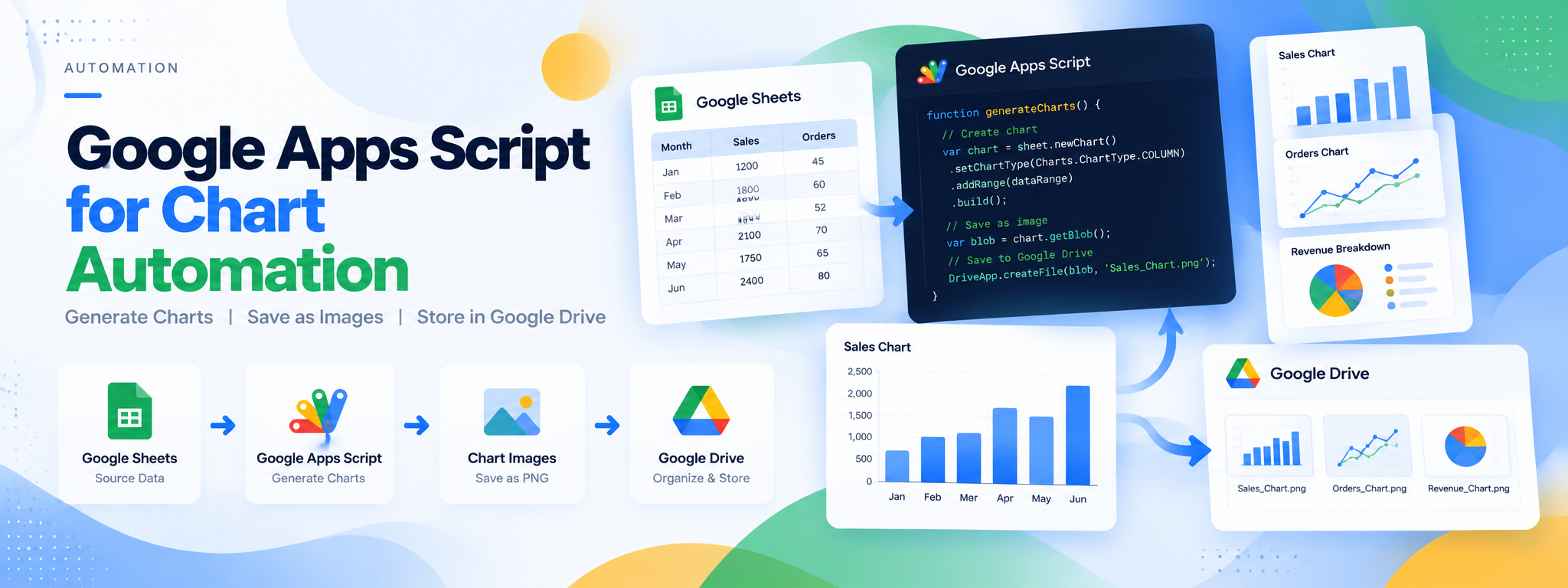
Google Apps Script for Chart Automation
Utilized Google Apps Script to automate the generation and saving of chart images to Google Drive, streamlining the reporting process.
 Google Apps Script
- Google Apps Script
- Google Drive
Project Overview
This project uses Google Apps Script to automate the generation of chart images and save them to Google Drive, streamlining the reporting process and reducing manual effort.
Technology: Google Apps Script, Google Drive
01. The Challenge
Generating chart images and saving them manually can add repetitive steps to the reporting process and make report preparation less efficient.
02. The Solution
A Google Apps Script automation was implemented to generate chart images and save them directly to Google Drive, simplifying chart management for reporting.
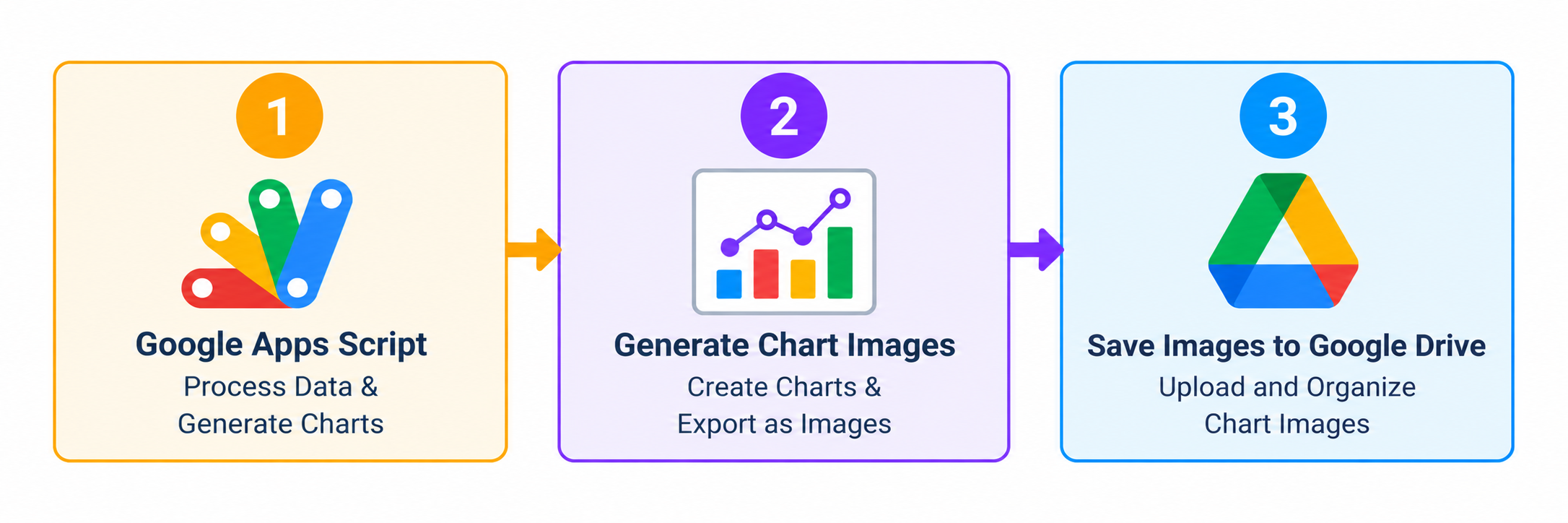
03. How It Works
- Generate chart images using Google Apps Script.
- Automate the chart image generation process.
- Save the generated images to Google Drive.
04. Workflow
05. Technology
- Google Apps Script: Automates chart image generation.
- Google Drive: Stores the generated chart images.
06. Outcome
The automation streamlines chart image generation and storage, reducing repetitive manual work in the reporting process.