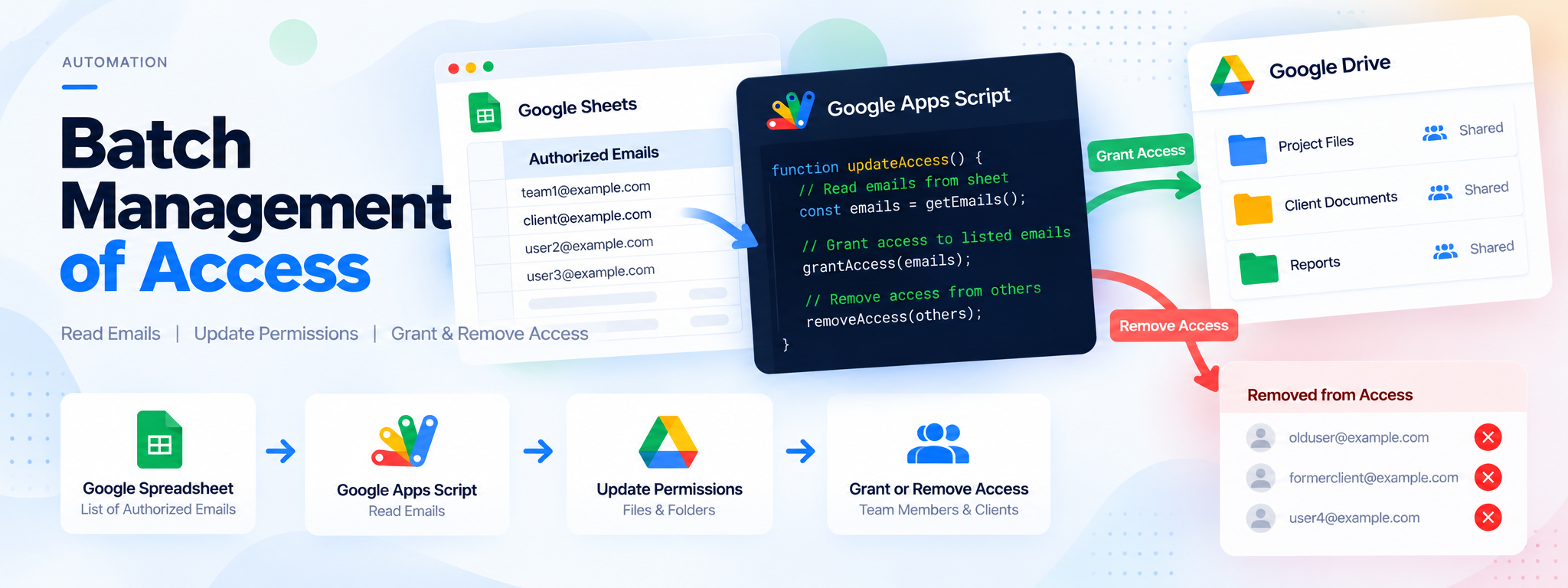
Batch Management of Access
The script reads from a spreadsheet cell that lists email addresses authorized for file access.
 Google Apps Script
- Google Apps Script
- Google Drive
Project Overview
This project uses Google Apps Script and Google Drive to manage file and folder access based on email addresses listed in a spreadsheet.
Technology: Google Apps Script, Google Drive
01. The Challenge
Managing access manually can make it difficult to keep file and folder permissions aligned with the current list of authorized users.
02. The Solution
A Google Apps Script automates access management by granting permissions to email addresses listed in the spreadsheet and removing access for addresses that are no longer listed.
03. How It Works
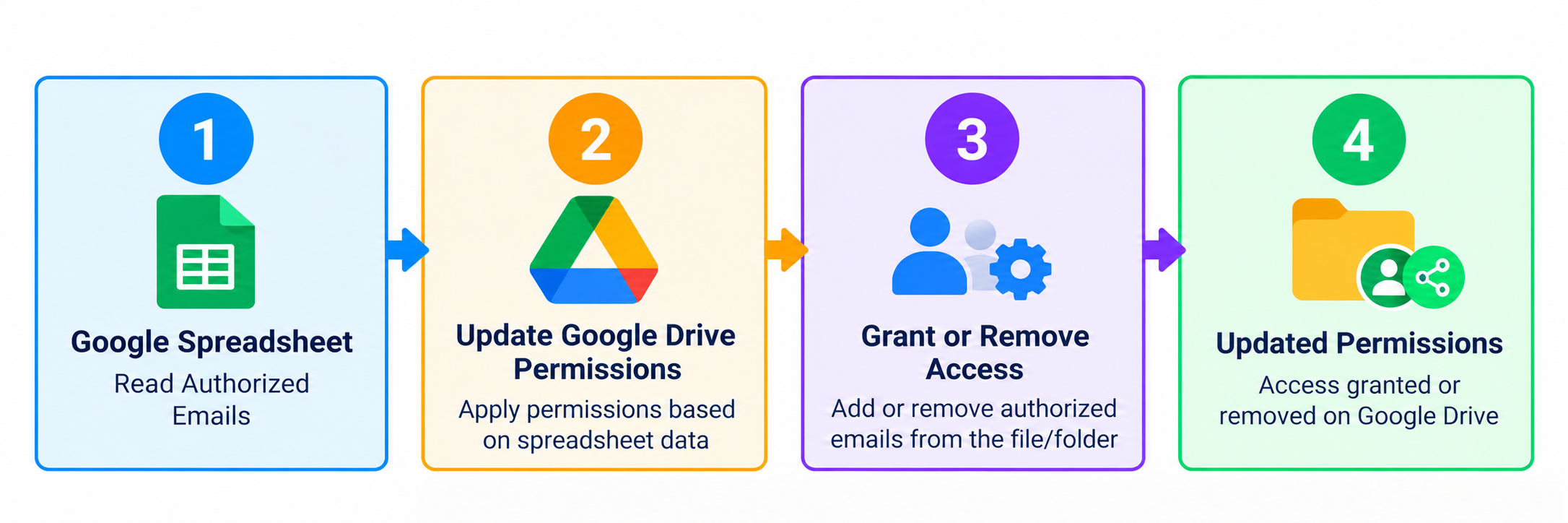
- Read authorized email addresses from a spreadsheet cell.
- Update sharing permissions for designated Google Drive files and folders.
- Grant access to listed email addresses.
- Remove access from addresses not currently listed.
- Support different access requirements for team members and clients.
04. Workflow
05. Technology
- Google Apps Script: Automates access and permission management.
- Google Drive: Stores the files and folders whose access is managed.
06. Outcome
The automation simplifies permission management and helps keep file access aligned with the authorized email list, reducing the risk of unauthorized viewing or editing.