Contract Intake Tool
AI-Powered Contract Validation, Human Review, Automated Google Drive Filing, Folder Organization, Missing-Term Detection & Document Tracking.
 Custom SaaS Platforms
- Google Drive
- Claude
- Next.js
- TypeScript
- PostgreSQL
Overview
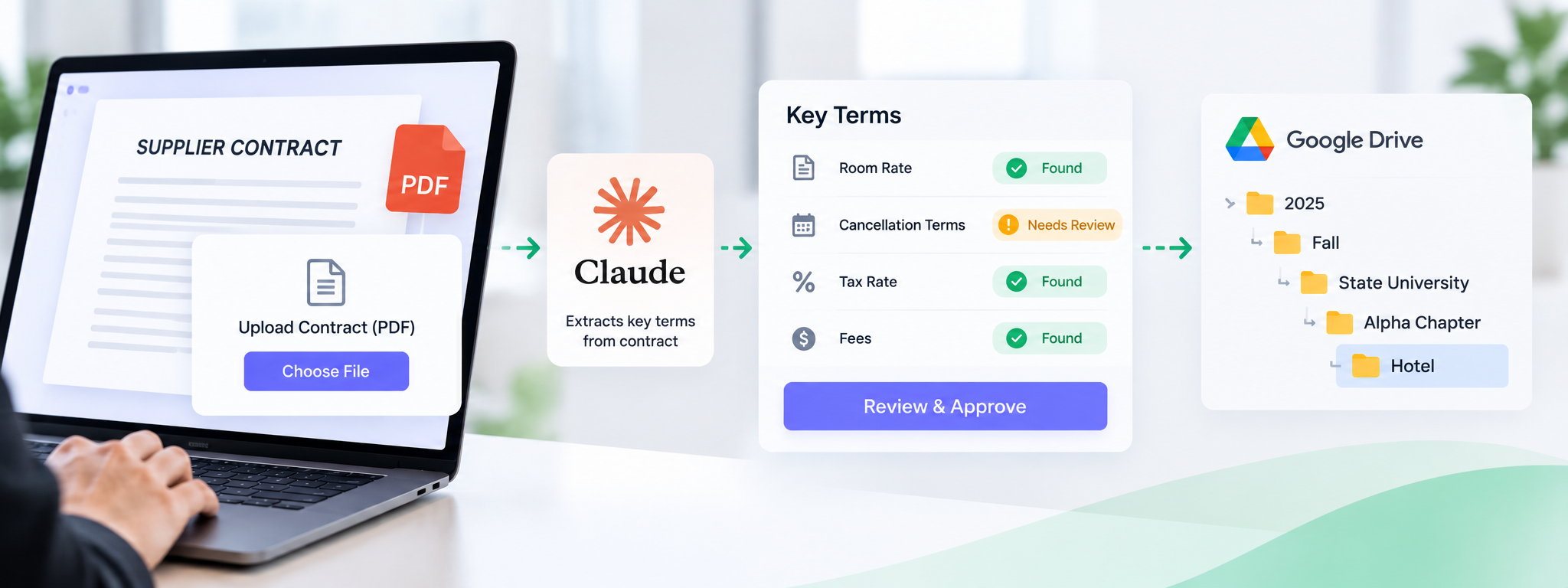
The Contract Intake Tool is a web app that uses Claude AI to extract key terms from supplier contracts, flags missing information for human review, and automatically files approved contracts into the correct Google Drive folders. It also maintains a record of all filing activities..
Business Problem
Supplier contracts such as hotel, venue, and bus services) Were reviewed and filed manually, making the process time-consuming. Important terms like cancellation clauses, fees, and tax rates could be missed, and contracts sometimes ended up in the wrong Google Drive folders, making them difficult to find later for billing or disputes.
Proposed Solution
Supplier contracts (hotel, venue, bus) were being reviewed and filed by hand. That was slow, and important terms (cancellation clauses, fees, tax rates) could get missed, and contracts sometimes ended up in the wrong Drive folder, making them hard to find later for billing or disputes.
Goal
- ut the manual review time per contract
- Make sure required terms are never silently missed
- File every contract into the exact right folder, every time, with no human guesswork
- Keep a record of who filed what, and when
How It Works
1. Scan
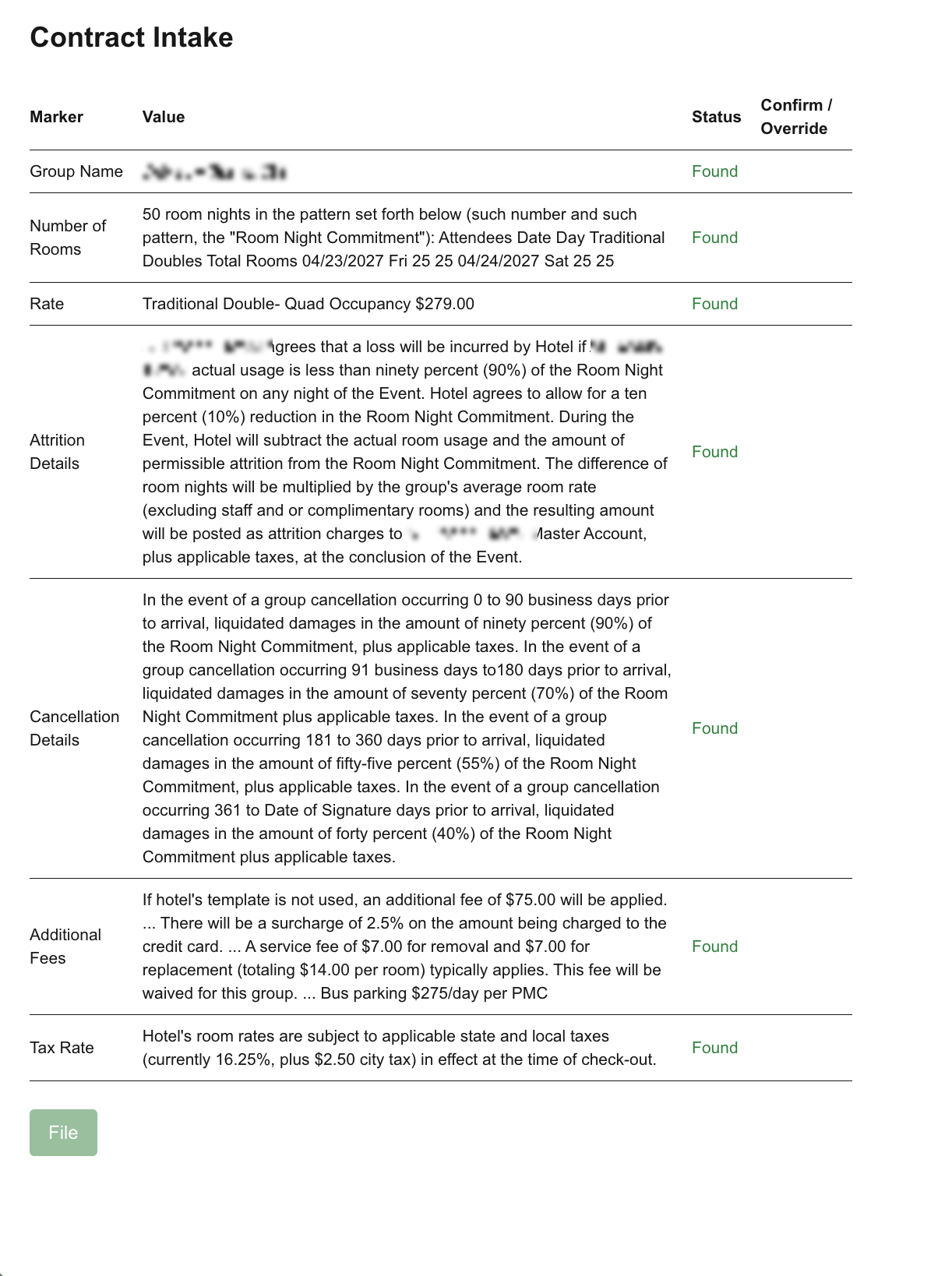
User uploads the PDF and picks a category (Hotel / Venue / Buses / Other). The text is extracted from the PDF and sent to Claude (Anthropic’s AI), which pulls out the specific terms that category requires, e.g. for Hotel: room rate, attrition clause, cancellation terms, tax rate. Each term comes back marked Found or Not Found.
2. Review
Anything Not Found must be manually checked and ticked off by a person before the contract can be filed. The tool never files something incomplete without a human saying it’s okay.
3. File
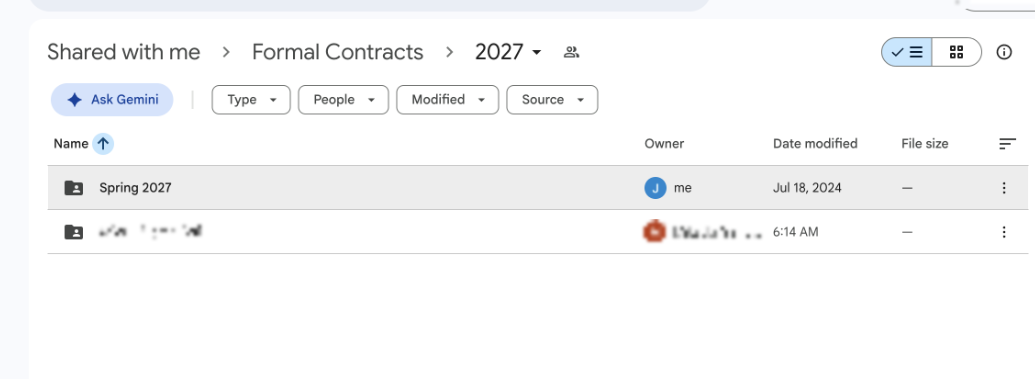
Using the contract’s group name (e.g. “State University - Alpha Chapter”) and date, the tool works out the correct folder path, Year → Season → University → Chapter → Category, and uploads the PDF there automatically. It only creates the last two folder levels itself; everything above that must already exist in Drive. Every filing is logged (who, what, where).
Key Features
- AI-Powered Term Extraction: Extracts required contract terms using Claude AI.
- Missing Term Review: Flags missing information (Not Found) for manual review before filing.
- Automated Google Drive Filing: Files contracts into the correct folder based on group name, date, and category.
- Filing Activity Log: Records who filed the contract, what was filed, where it was stored, and when.
- Category-Based Checks: Checks contract terms according to the selected category (Hotel / Venue / Buses / Other).
What It’s Built With
Next.js (web framework) + TypeScript, Google Drive API, Claude for the AI extraction, Postgres for the log. PDF text extraction is done with a JavaScript library.