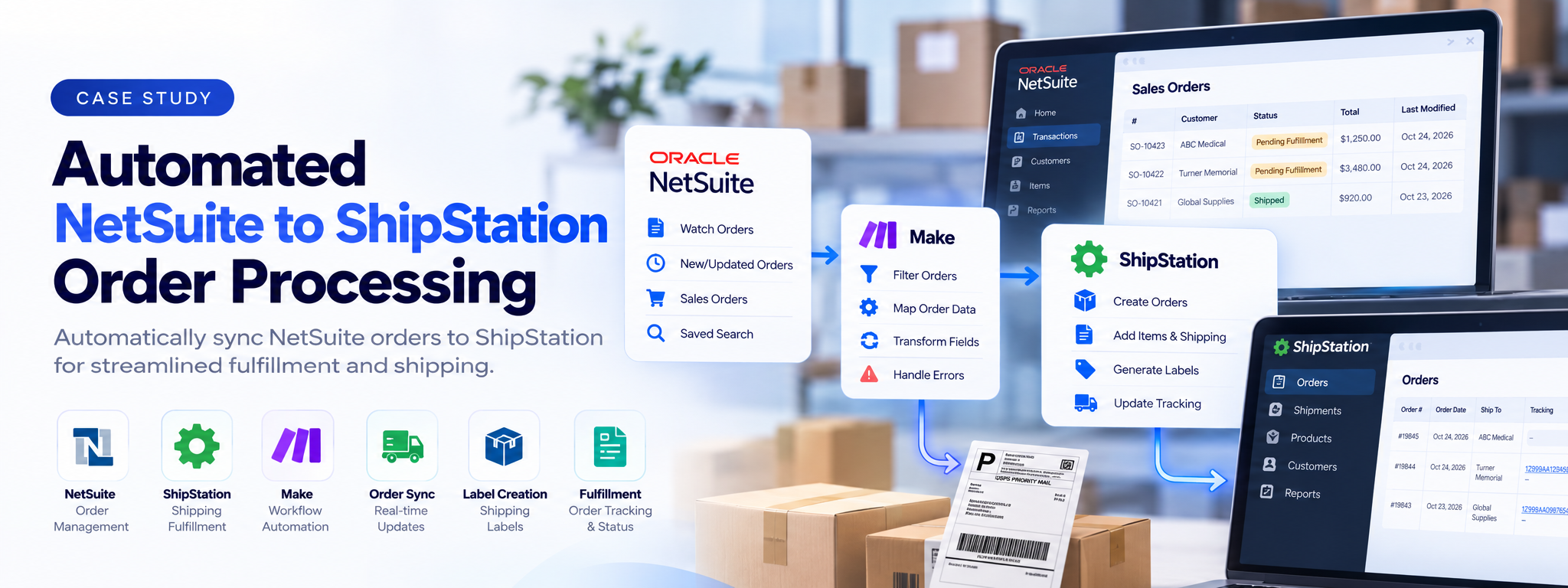
Automated NetSuite to ShipStation Order Processing
Automation that sends eligible NetSuite sales orders to ShipStation, prepares shipping details, and updates order status automatically.
 Make Automations
- Make
- OpenAI
Overview
This solution connects NetSuite with ShipStation through Make. It identifies eligible sales orders, prepares their customer, address, item, and shipping details, creates the corresponding orders in ShipStation, and updates NetSuite to record processing.
The Problem
Sales orders are managed in NetSuite, while shipment preparation takes place in ShipStation. Transferring order details between the two systems requires staff to enter customer information, billing and shipping addresses, line items, quantities, prices, and shipping services.
This repetitive work takes time and creates opportunities for incorrect item details, shipping selections, or incomplete order records. Teams also need a reliable way to identify which orders and line items have already been processed.
How It Works
The solution uses a Make scenario to handle the order-processing workflow.
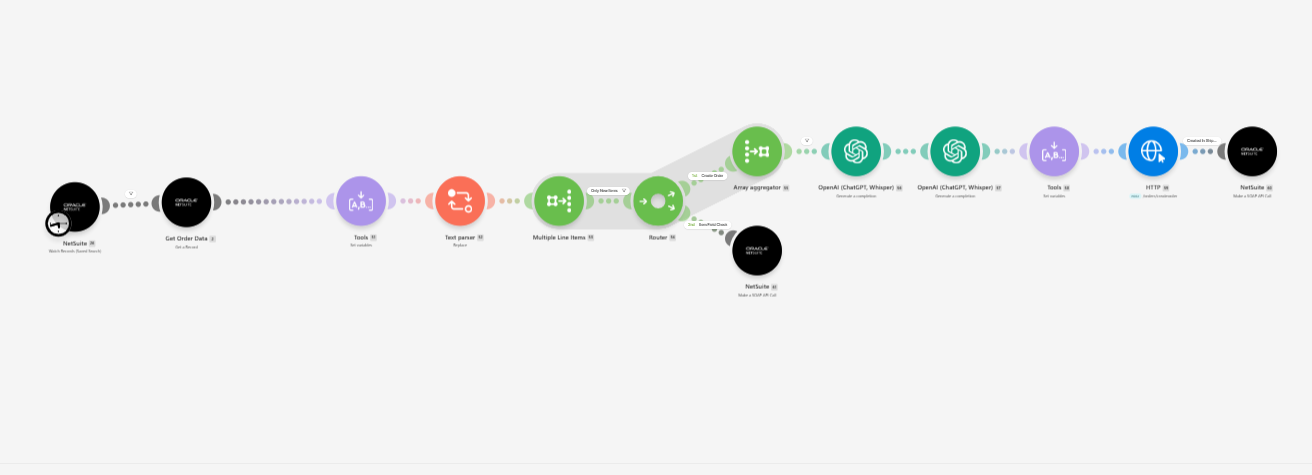
- Monitor sales orders. Make watches a configured NetSuite saved search for sales orders that have been modified.
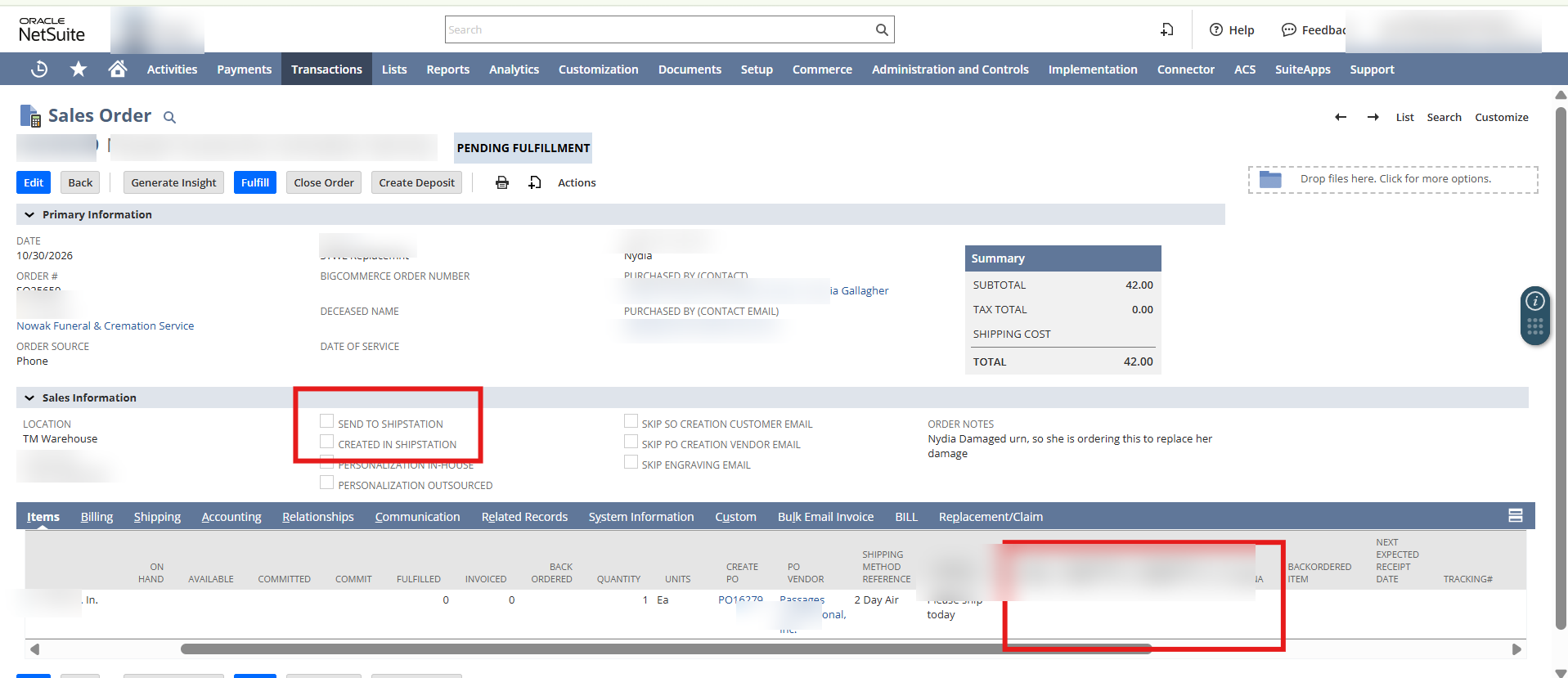
- Check order eligibility. The workflow checks whether the order is marked to be sent to ShipStation and has not already been marked as created there.
- Retrieve order details. It fetches the complete sales order, including customer information, billing and shipping addresses, dates, totals, and line items.
- Prepare order information. The workflow collects the order details and processes its line items, including item names, descriptions, quantities, and prices.
- Format item data. OpenAI converts the NetSuite line-item data into the structure required by the ShipStation API.
- Identify the shipping service. The workflow reads the shipping method from the order items and maps it to the corresponding ShipStation service code. If no method is available, it uses the configured Ground default.
- Create the ShipStation order. An HTTP request sends the prepared customer, address, item, payment, tax, and shipping information to ShipStation.
- Update NetSuite records. After the order-creation step succeeds, the workflow updates the NetSuite sales order and marks the relevant line items as processed.
The Result
The automation connects order entry with shipment preparation, reducing the need to manually transfer sales order information between NetSuite and ShipStation. It prepares item and shipping details, creates ShipStation orders, and records processing status back in NetSuite. This helps reduce repetitive data entry and keeps order-processing records aligned across both systems.
Daily Automation
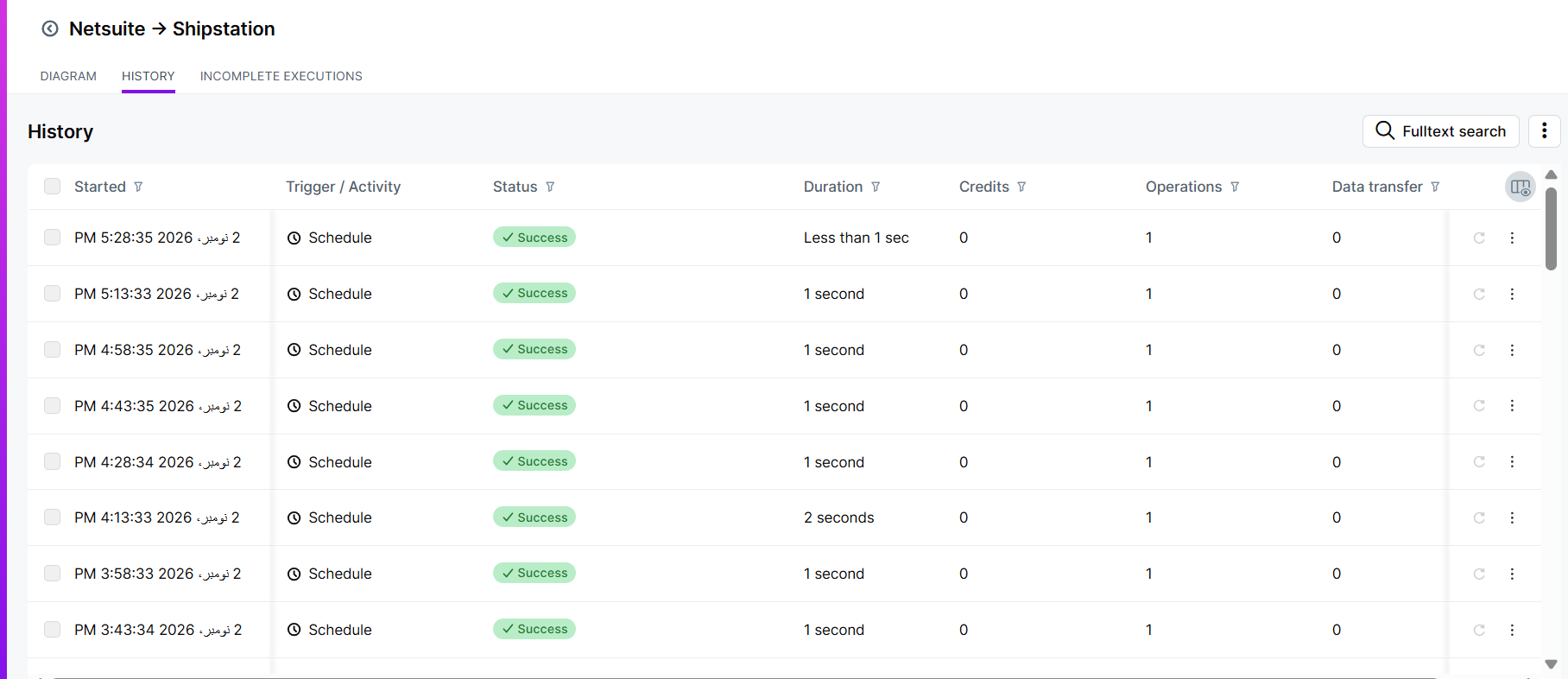
| Metric | Observed Output |
|---|---|
| Emails processed | 7/day (average) |
| Successful runs | 96/day |
| Run frequency | 15 minutes |
| Success rate | 100% |
| Execution time | 1.5 seconds |
Note:Metrics are based on the observed execution history and may vary depending on order activity and processing time.
Tech Stack
- Make: Runs the automation and coordinates order processing, routing, data preparation, and conditional operations.
- NetSuite: Provides sales orders, customer details, addresses, item information, and shipping data.
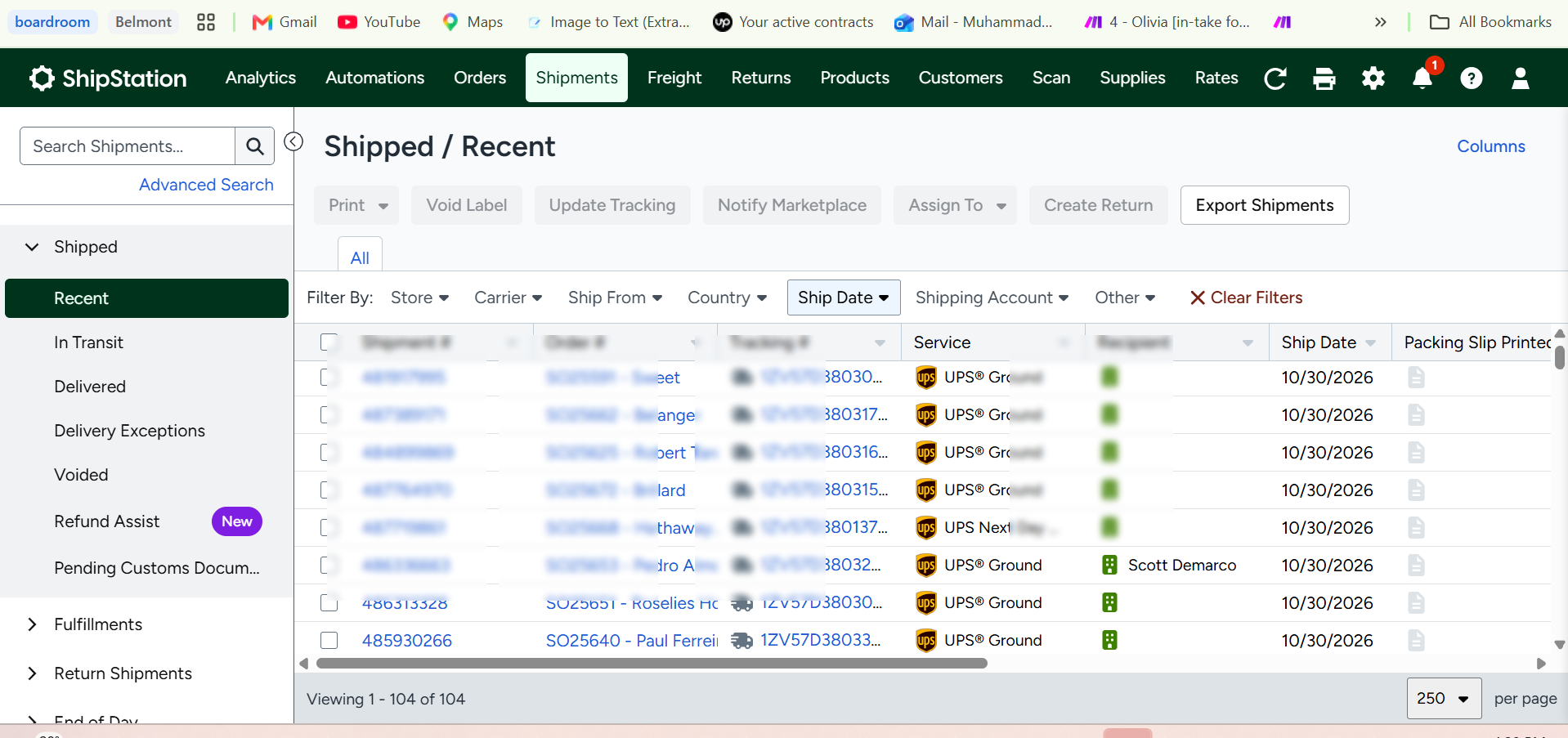
- ShipStation: Receives and manages sales orders for shipment processing.
The solution works with the existing NetSuite and ShipStation setup, without requiring teams to replace their systems or learn a new order-management platform.
Where This Pattern Applies
This approach connects order records with downstream fulfilment activities, ensuring that information is transferred, processed, and tracked automatically.
Imagine a wholesale business receiving customer orders through its ERP system. The automation collects the order details, formats product and shipping information, sends the order to its fulfilment platform, and updates the original record once processing is complete.
The same pattern can be adapted to:
- E-commerce: Transfer online orders into shipping and fulfilment platforms.
- Wholesale: Process bulk customer orders and prepare shipment records.
- Manufacturing: Send production orders to operational and dispatch systems.
- Retail: Coordinate store orders with warehouse fulfilment.
- Logistics: Transfer shipment details between order and transport systems.
- Healthcare Supply: Coordinate medical supply orders with distribution systems.
The reusable pattern remains the same: monitor incoming orders, validate eligibility, prepare structured data, send it to the fulfilment platform, and update the original system to reflect processing.