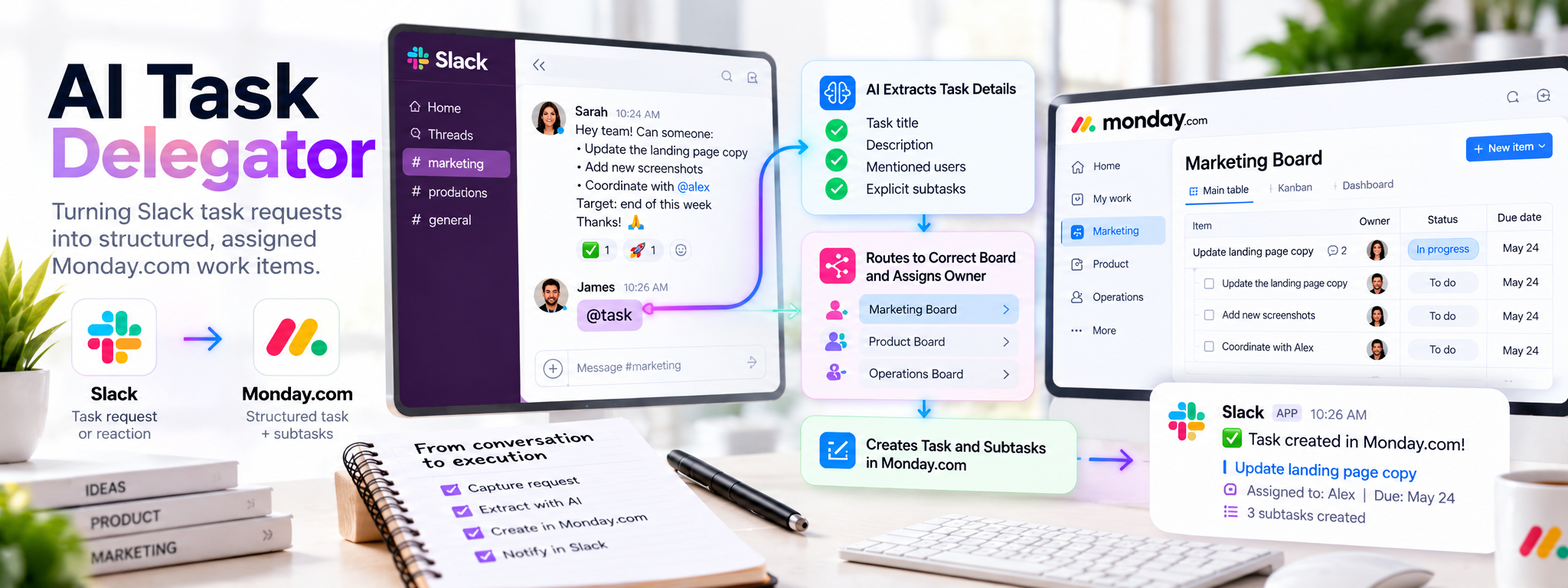
AI Task Delegator: Slack to Monday.com
Automating the conversion of Slack requests into structured and assigned Monday.com tasks.
 Make Automations
- Make
- Slack
- monday.com
- OpenAI
1. Overview
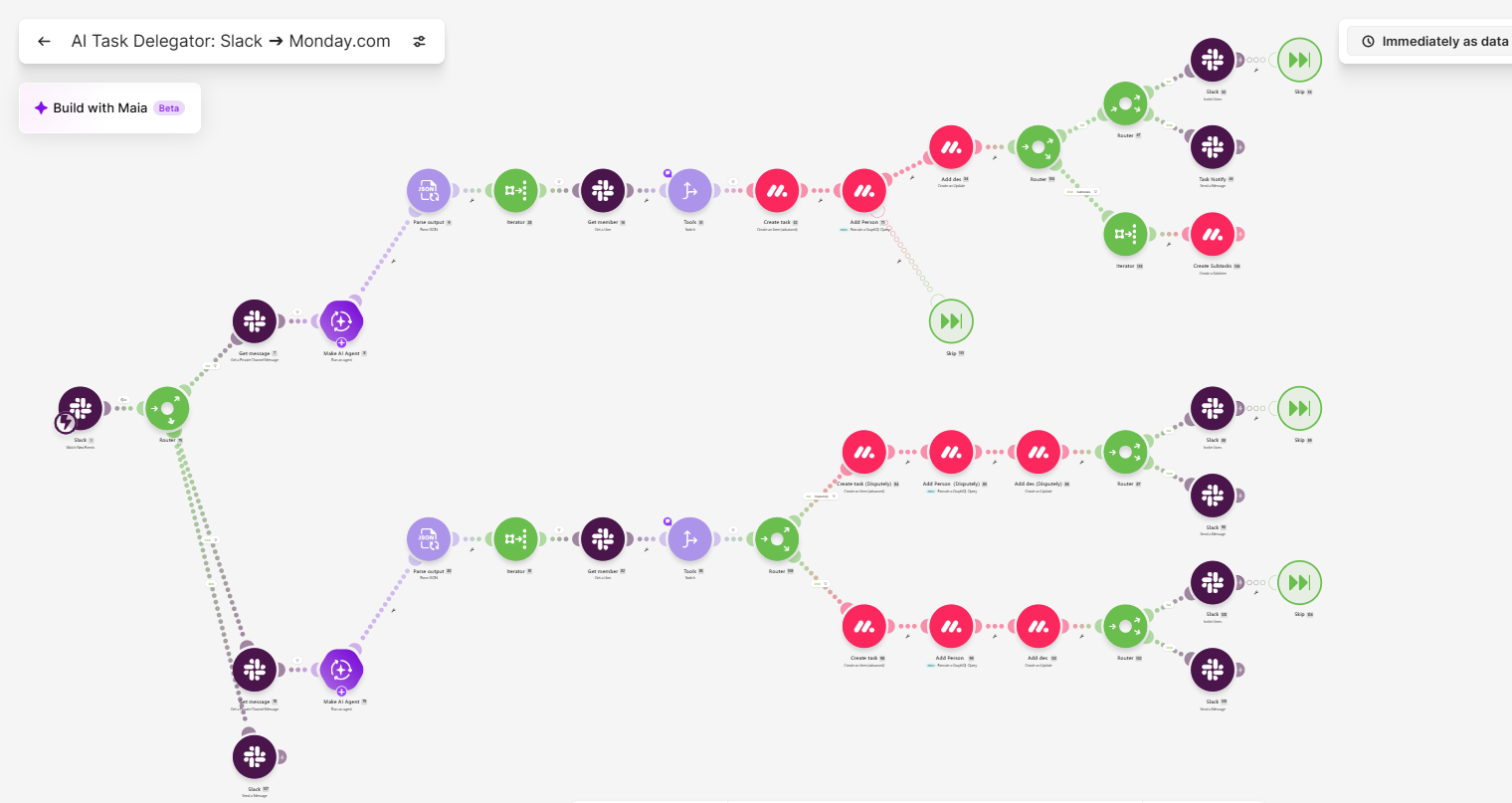
This automation connects Slack with Monday.com to convert qualifying messages into structured tasks. An AI agent extracts task details from the original Slack message, while configured mappings determine the appropriate Monday.com board and task owner. The workflow also creates explicitly listed subtasks and sends a confirmation back to Slack.
2. The Problem
Teams often share work requests through Slack, but important action items can get buried in conversations. Manually converting these requests into Monday.com tasks requires reviewing messages, extracting details, selecting the correct board, and assigning owners. This repetitive process takes time and can result in inconsistent task information or missed action items.
3. How It Works
- Capture Slack Event: The workflow detects qualifying Slack messages or reactions through a configured event trigger.
- Retrieve Original Message: It retrieves the complete Slack message to provide context for AI processing.
- Extract Task Information: The AI agent generates a task title and description and identifies mentioned Slack user IDs and explicitly listed subtasks.
- Retrieve User Details: The workflow uses extracted Slack IDs to retrieve the corresponding user information where required.
- Determine Board and Owner: Configured user and channel mappings identify the appropriate Monday.com board, group where applicable, and task owner.
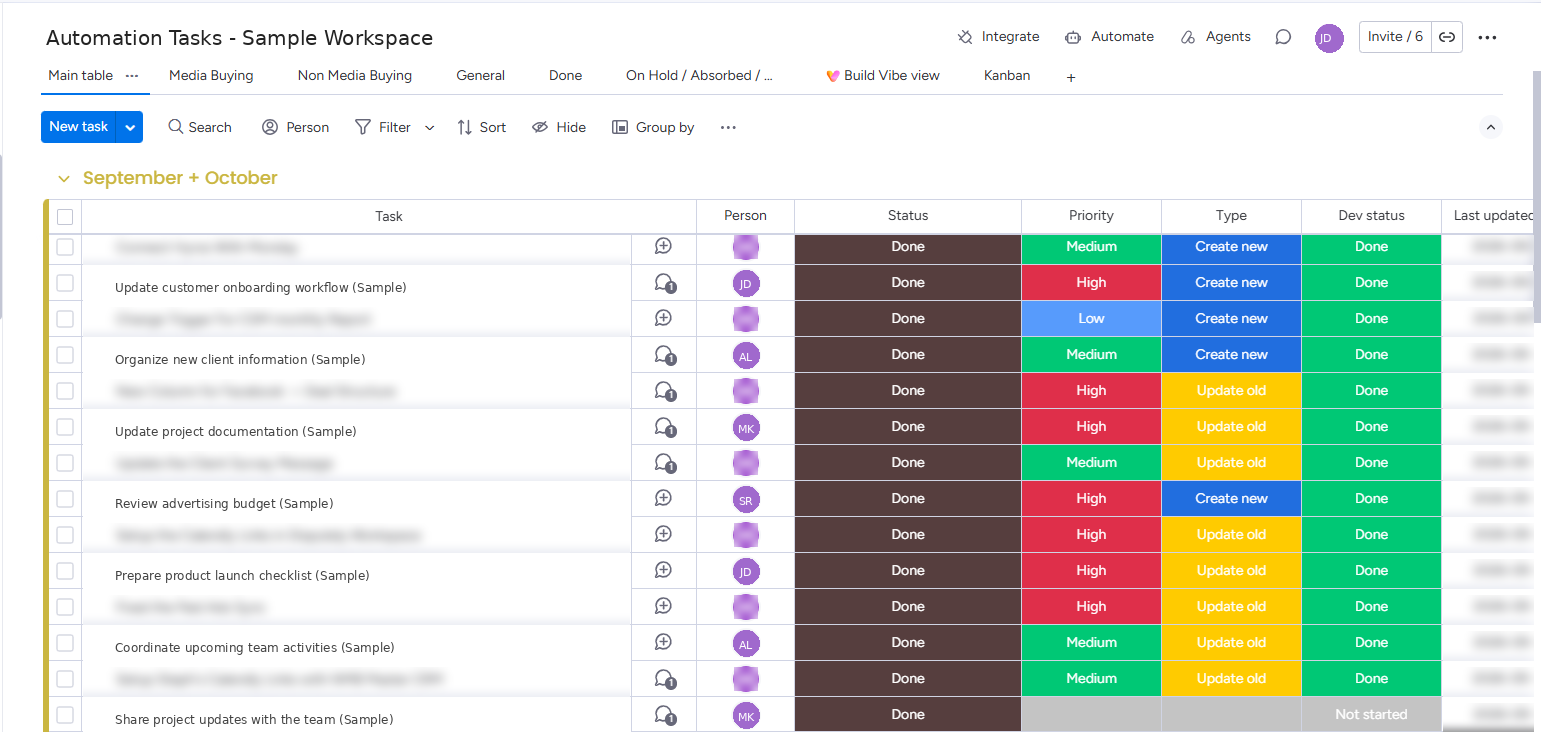
- Create Monday.com Task: The workflow creates the main task using the extracted title and adds its description and original Slack message context.
- Create Subtasks: If the request contains explicitly listed subtasks, the workflow iterates through them and creates them under the main task.
- Send Slack Confirmation: After task creation, the workflow sends a confirmation in the original Slack conversation with a link to the Monday.com task.
4. The Result
The automation connects Slack requests directly with Monday.com task management. It reduces manual task entry, structures incoming requests, applies configured board and owner mappings, and preserves the original conversation context. It also supports automatic subtask creation and sends confirmation through Slack.
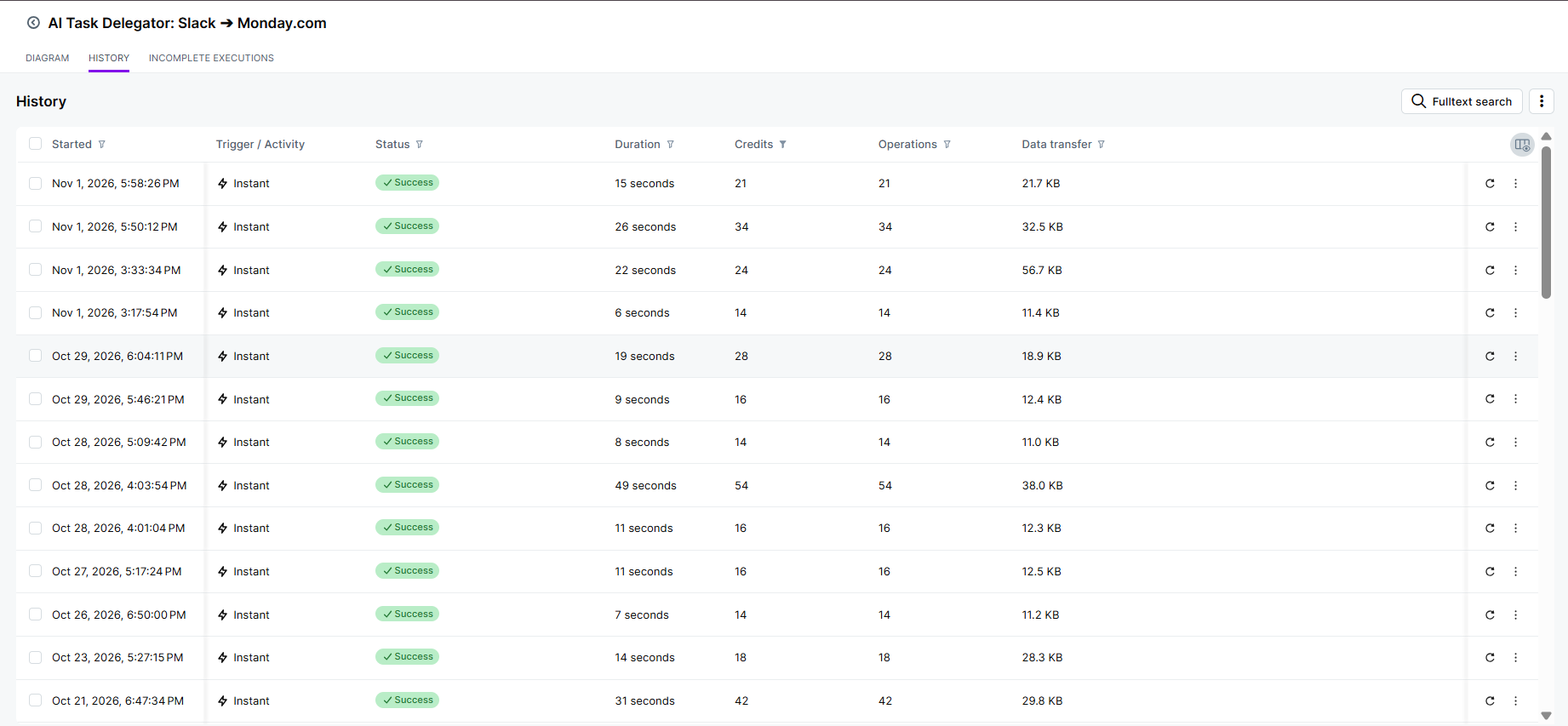
Execution Metrics
| Metric | Result |
|---|---|
| Total Executions | 4,856 |
| Successful Executions | 4,826 |
| Failed Executions | 16 |
| Success Rate | 99.4% |
| Average Execution Time | 0.63 seconds |
Metrics are based on the available execution logs and may vary depending on message volume, task complexity, and the number of subtasks processed.
5. Tech Stack
Make: Coordinates the automation, processes Slack events, manages AI extraction, handles routing, and creates Monday.com tasks and subtasks.
Slack: Provides the triggering messages or reactions, original conversation context, user information, and task confirmations.
OpenAI: Uses GPT-4.1 mini and GPT-4.1 nano to extract and structure task information from Slack messages.
Monday.com: Receives the structured tasks, mapped owners, and explicitly listed subtasks.
6. Where This Pattern Applies
This automation pattern can be applied wherever teams receive work requests through communication platforms and need to organize them in task-management systems. Examples include internal operations, customer support, marketing coordination, project management, and administrative task tracking.